
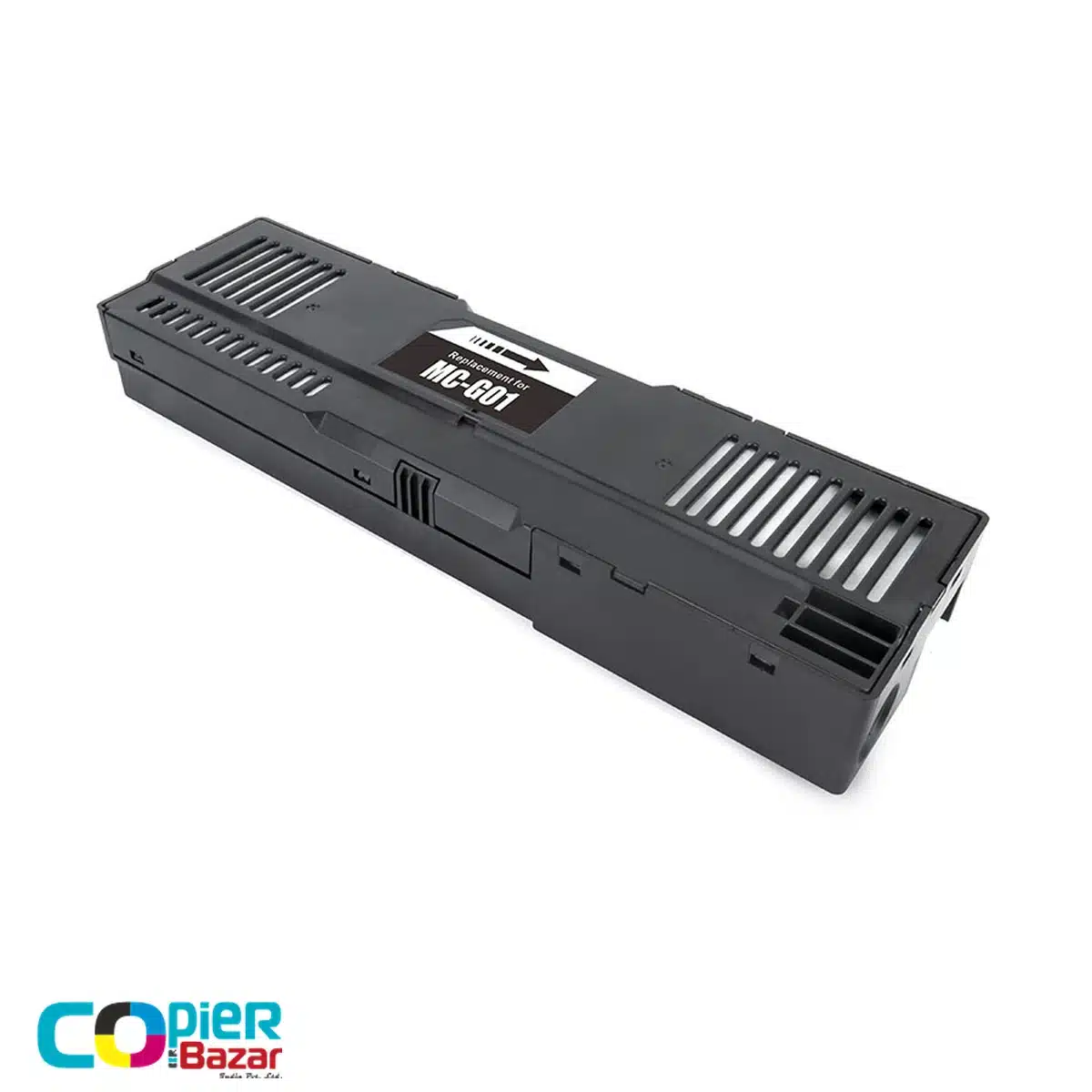
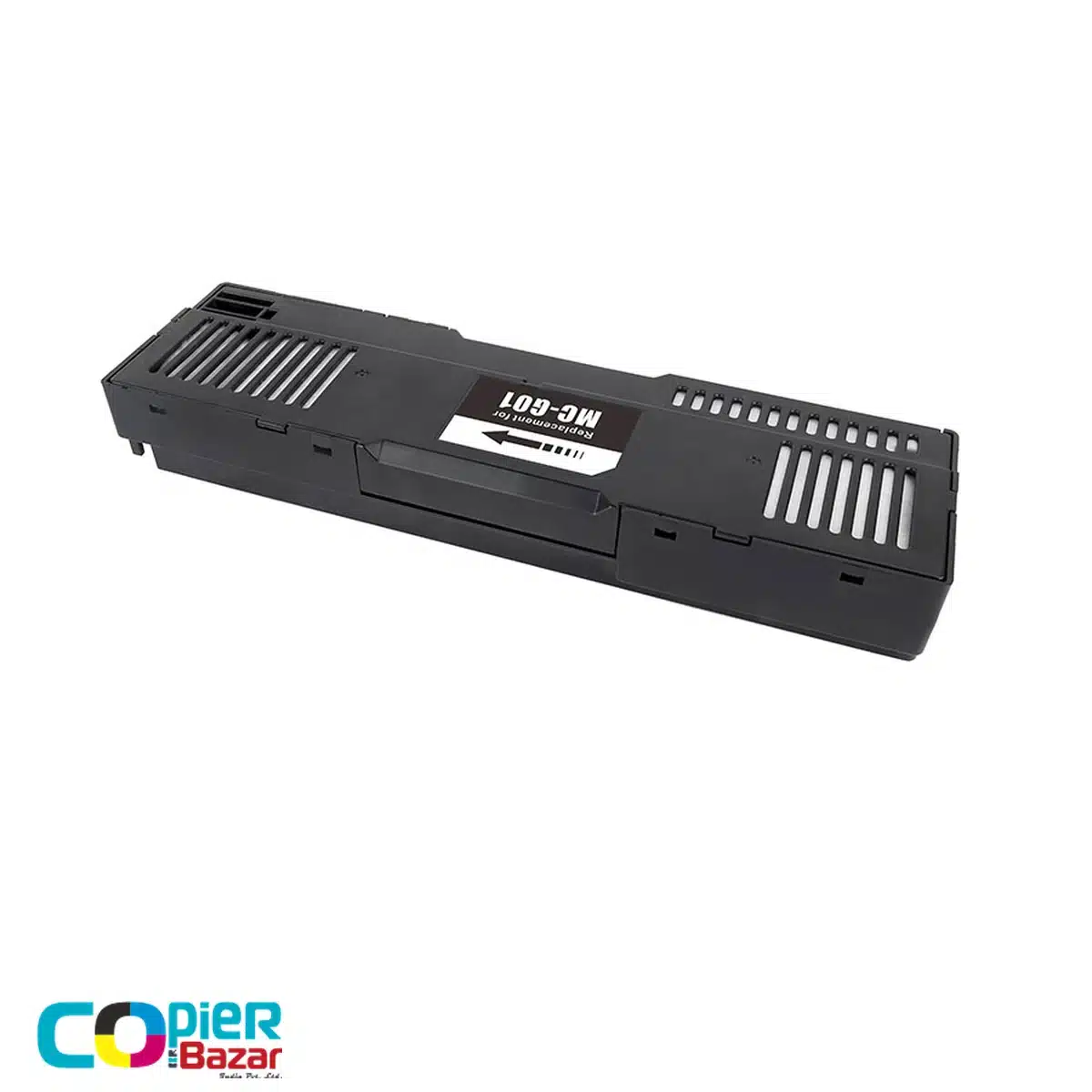
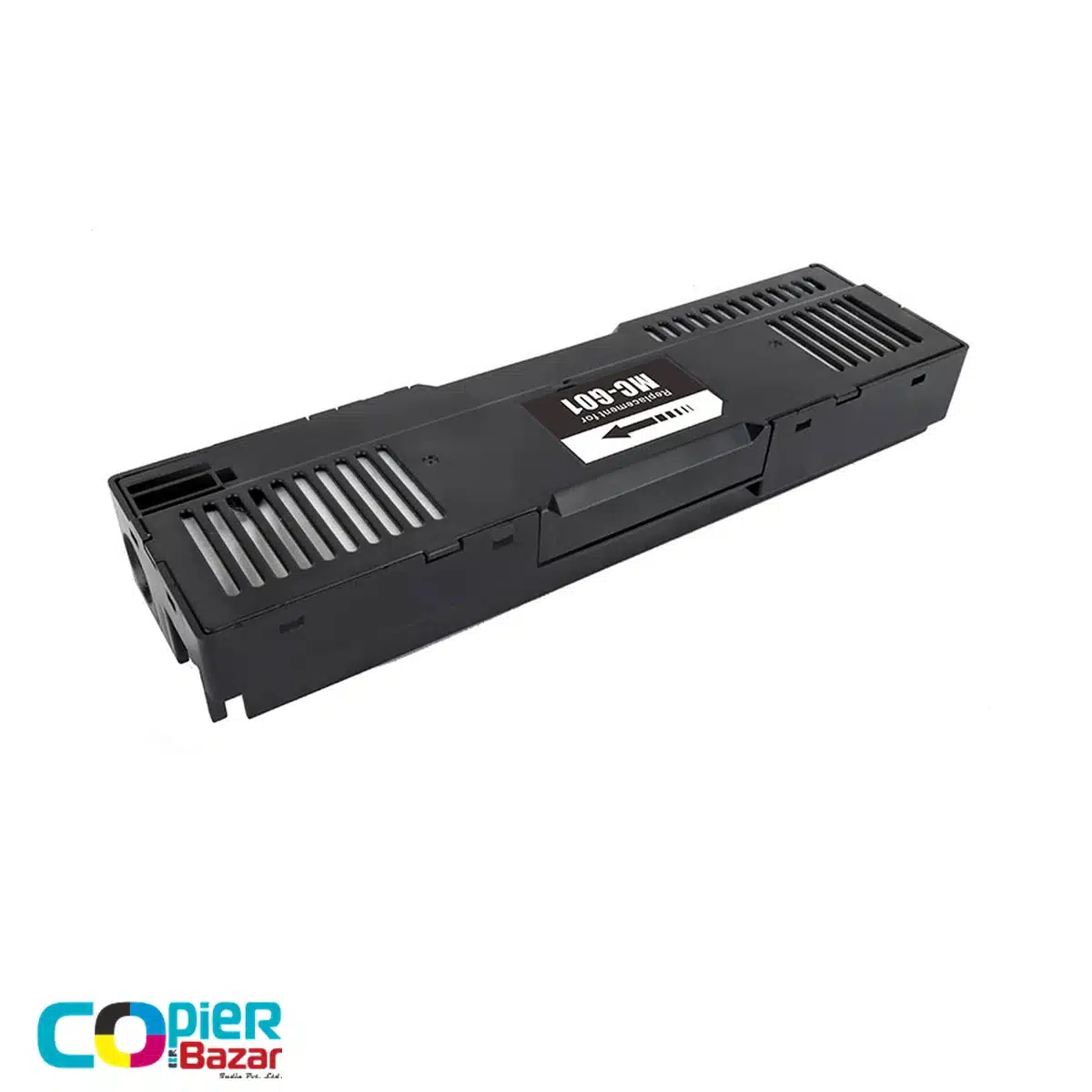
Canon MC-G01 maintenance cartridge for MAXIFY GX printers
The compatible Canon MC-G01 maintenance cartridge is a waste ink box for MAXIFY GX5070, GX5570, GX6070, GX6570 and GX7070 printers. Choose this reference when your printer calls for an MC-G01 replacement. It collects waste ink from maintenance; it is not an ink bottle or a printhead.
This is a third-party compatible cartridge, not an original Canon product. Keep that distinction in mind when comparing prices with genuine Canon listings or maintenance-chip offers.
MC-G01 compatibility: keep the X in GX
| Cartridge reference | Canon MAXIFY models |
|---|---|
| MC-G01 | GX5070, GX5570, GX6070, GX6570, GX7070 |
Canon India’s MC-G01 page lists these five models. A GX7070 is not a G7070, and a GX6070 is not a G6070. When searching for a replacement, copy the whole model number from the printer label. Do not rely on a seller title that drops the X or says it fits every G-series printer.
MC-G03 is a different reference: Canon lists it for GX3070, GX3072 and GX4070. Neither the MAXIFY brand name nor a similar-looking housing makes MC-G01 the right part for that group.
Read the warning before replacing anything
Canon’s GX7000-series manual says to obtain a replacement when the maintenance cartridge is nearly full. When it becomes full, the printer stops until the cartridge is replaced. Follow the model-specific fitting procedure, avoid touching the terminal or opening, and keep the used cartridge upright to limit ink leakage.
Buyer questions
Which maintenance cartridge does the GX7070 use?
Canon India lists MC-G01 for the GX7070. The same official list includes GX6070, GX5070, GX5570 and GX6570.
Is this a genuine Canon cartridge?
No. This is a compatible replacement sold by CopierBazar. Manufacturer model references identify the cartridge type, not the manufacturer of this item.
Is a maintenance chip the same as the complete box?
No. A chip-only listing describes a component, while this listing is for a maintenance cartridge. Compare the item type before comparing prices, and confirm any package details you need with CopierBazar.
Should I reset the counter instead of replacing a full cartridge?
Canon’s GX7000-series instructions call for a new cartridge when it is full. This listing does not offer reset software or promise that a reset will solve a maintenance warning. Follow the printer’s message and official instructions.
Will MC-G01 fix every printing error?
Do not use it as a general fault remedy. First confirm that the warning concerns the maintenance cartridge. For an unrelated ink, paper or printhead message, check the corresponding troubleshooting instructions.
Check the references before ordering
Read Canon India’s MC-G01 compatibility list and the GX7000-series replacement guide. If the price or availability is not shown, ask CopierBazar to confirm it with your model number. See our maintenance boxes for other references.


Reviews
There are no reviews yet.