
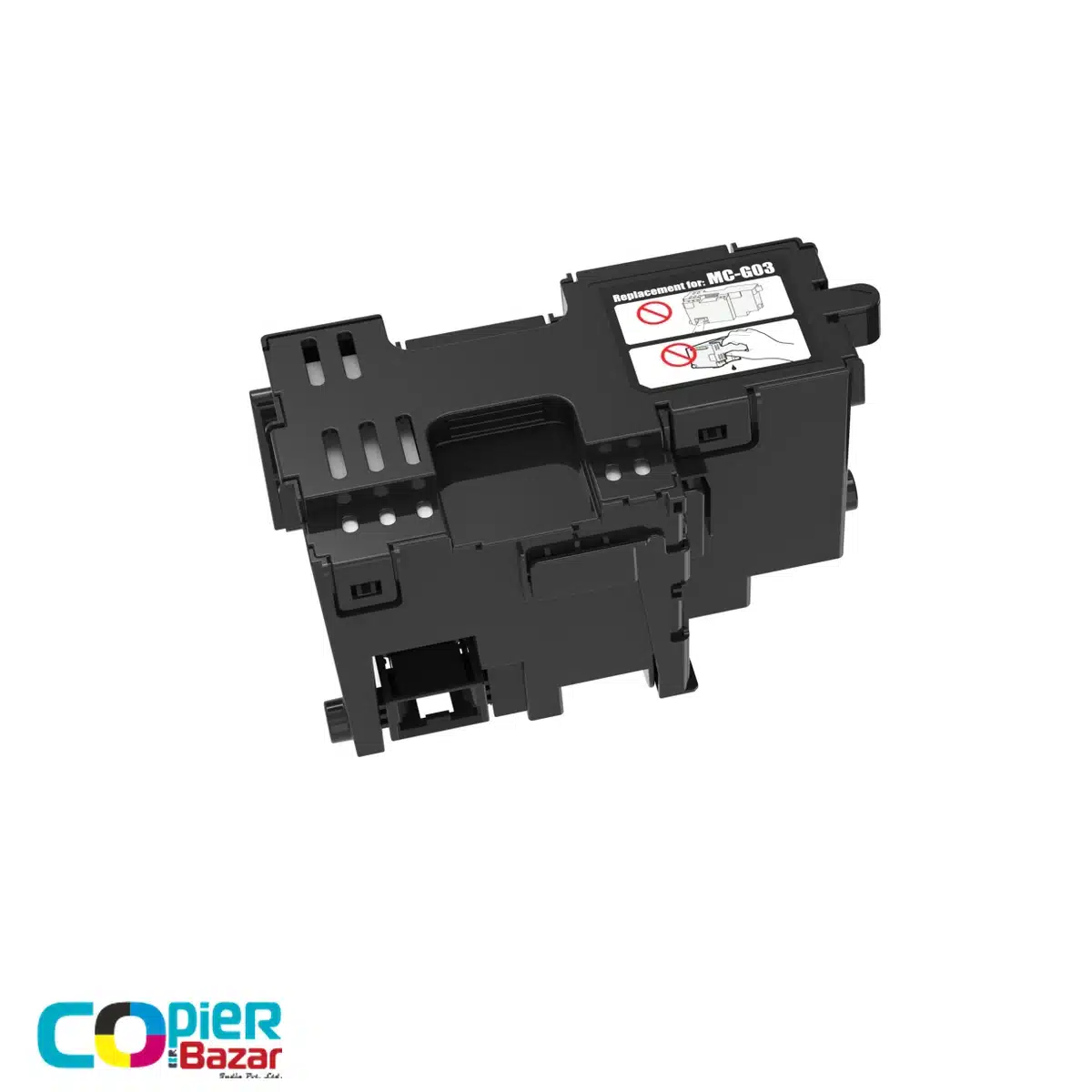
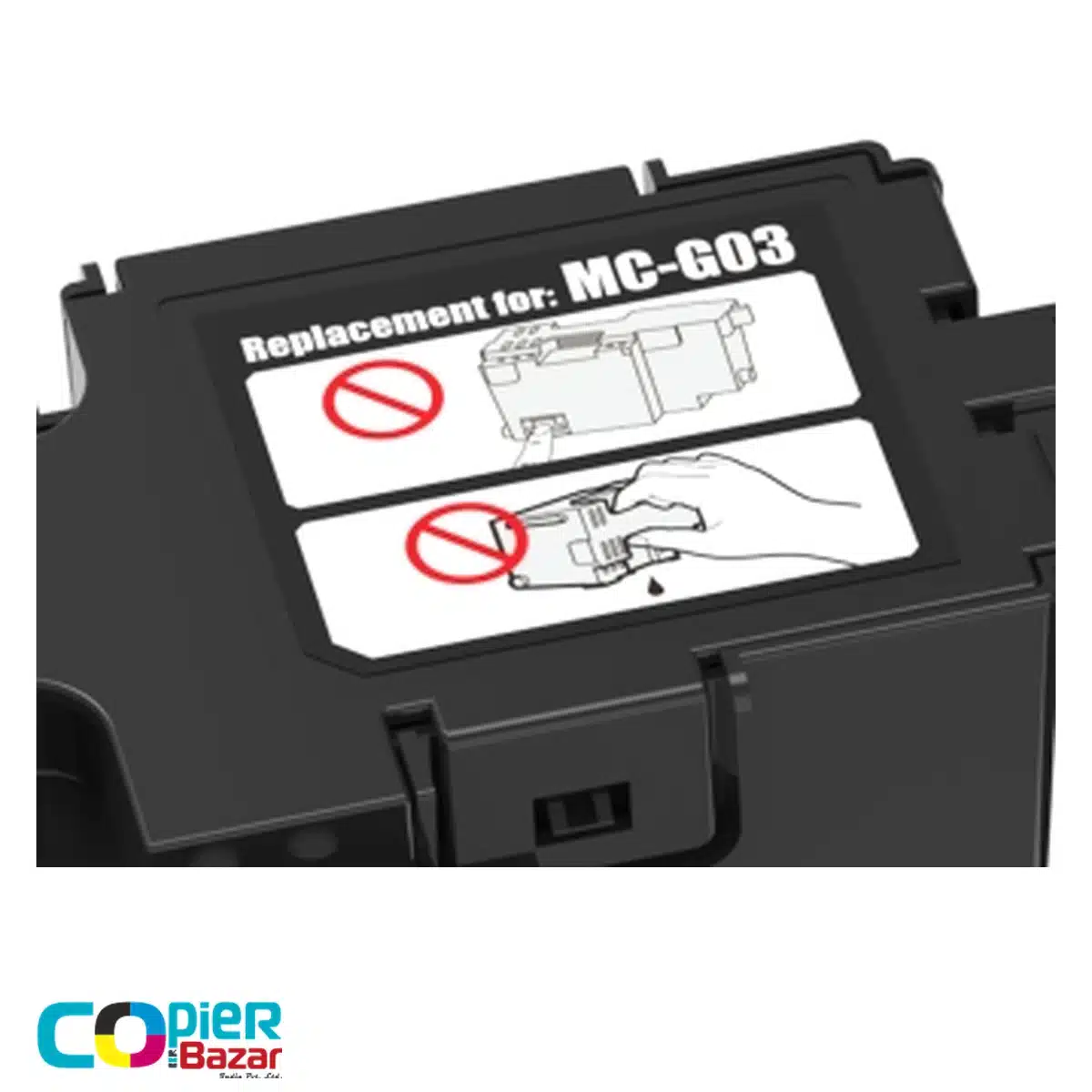
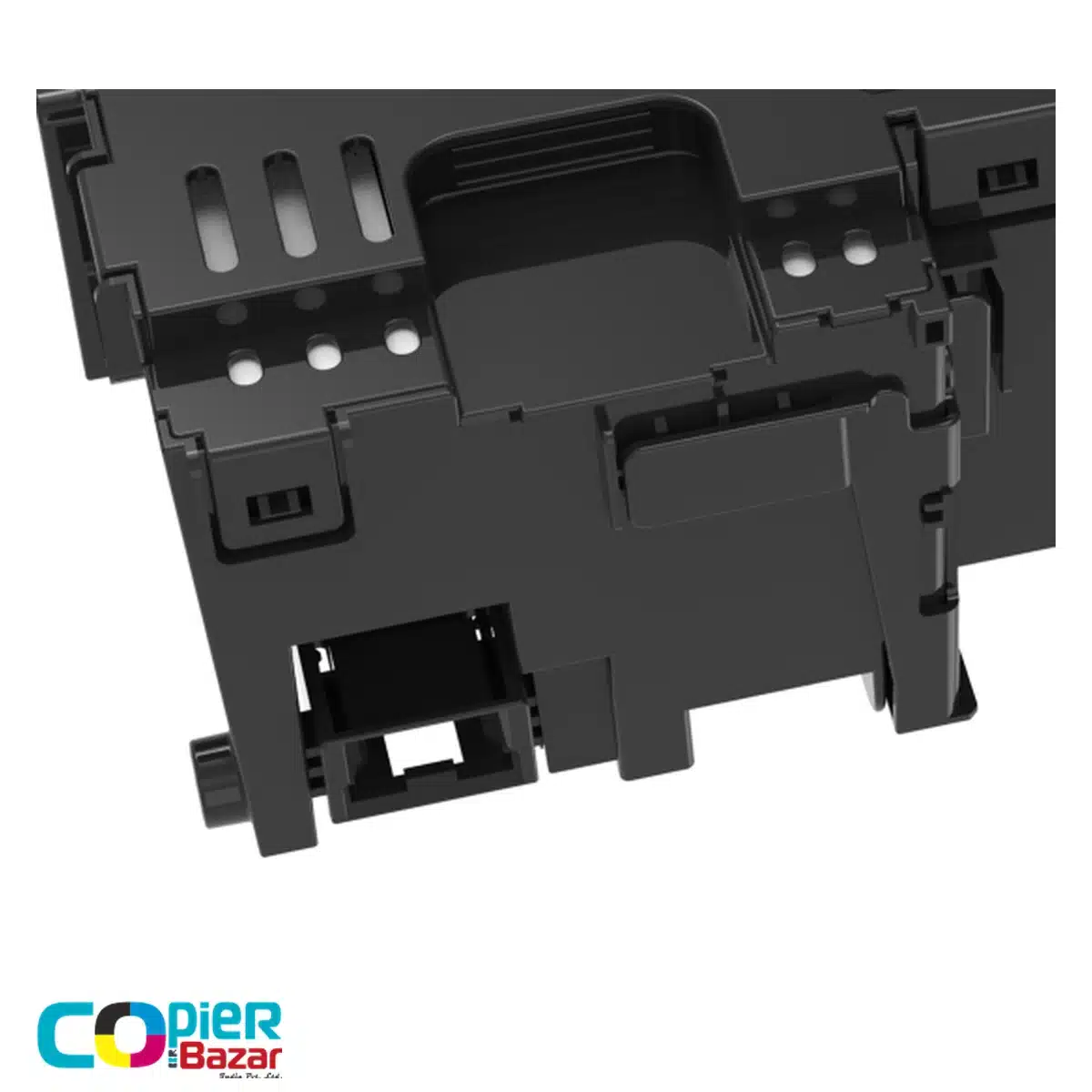
Canon MC-G03 maintenance cartridge for GX3070 and GX4070
This compatible Canon MC-G03 maintenance cartridge is a waste ink replacement for Canon MAXIFY GX3070, GX3072 and GX4070 printers. It collects ink used during maintenance, rather than supplying colour or black ink for printing. This listing is for a third-party compatible cartridge, not a genuine Canon product.
One reference for three listed MAXIFY models
| Maintenance cartridge | Printer models |
|---|---|
| MC-G03 | Canon MAXIFY GX3070, GX3072, GX4070 |
Canon India’s MC-G03 page lists all three models. If you are searching by printer name, check the full GX prefix and model number on its label. A G3020 listing is not evidence of compatibility with a GX3070, even when the numbers look similar.
MC-G01 is not an alternative simply because it is also a MAXIFY maintenance cartridge. Canon assigns MC-G01 to a different group that includes GX6070 and GX7070. Match the cartridge reference before ordering.
Replacement guidance matters for this model group
Follow your printer’s message when the maintenance cartridge is nearly full or full. Canon’s GX4000-series manual states that a full cartridge stops the printer until a new one is fitted. It also says not to turn the printer off during replacement. This differs from some other Canon procedures, so a general maintenance-box tutorial may give you the wrong sequence.
The same guide warns against touching the cartridge terminal or other internal parts. Keep the removed box level and bag it promptly; tilting or turning a used cartridge upside down can spill waste ink. Refer to the illustrated manual for the sliding and alignment steps.
Buyer questions
Do GX3070, GX3072 and GX4070 use MC-G03?
Yes. Canon India’s compatibility list names all three. Check your exact printer model and select the compatible or genuine product type you intend to buy.
Is this a colour ink cartridge?
No. MC-G03 is a maintenance cartridge that collects waste ink. It does not refill your printer’s colour or black ink tanks.
Is this item made by Canon?
No. CopierBazar lists this item as a third-party compatible replacement. Links to Canon identify the part reference and fitting guidance, not an endorsement of this product.
Can I switch off a GX4070 before changing the cartridge?
Follow the GX4000-series procedure linked below: Canon instructs users not to turn the printer off during maintenance cartridge replacement. Read the full illustrated steps before starting.
How do I know when to replace it?
Use the maintenance warning on the printer rather than a fixed page count. Canon advises replacing a nearly full cartridge promptly; a full cartridge must be replaced before operation can resume.
Confirm the part before you buy
Use Canon India’s MC-G03 model list and the GX4000-series replacement instructions. If you need a price or availability confirmation, send CopierBazar the model and cartridge code. Browse maintenance boxes for a different reference.


Reviews
There are no reviews yet.