
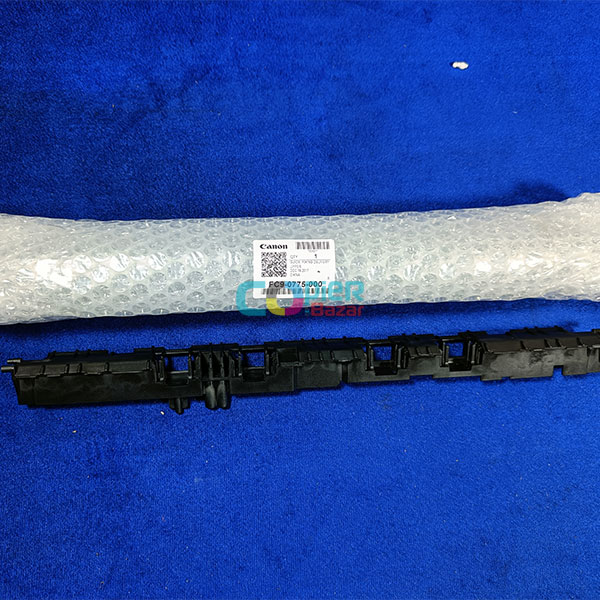
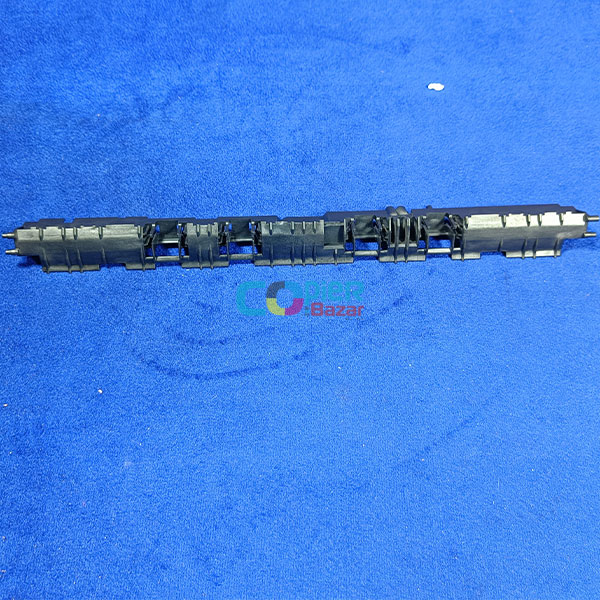

Fixing Delivery Upper Guide For Canon IR 2535 2545 (FC9-0775-000)
The Fixing Delivery Upper Guide For Canon IR 2535 2545 is a genuine Canon replacement part that is responsible for guiding the paper through the printer and preventing it from jamming. It is located near the fuser unit, which is the part of the printer that melts the toner powder onto the paper.
If the Fixing Delivery Upper Guide is worn or damaged, it can cause a variety of problems, such as:
- Paper jams
- Poor print quality
- Error messages
If you are experiencing any of these problems, it is important to replace the Fixing Delivery Upper Guide as soon as possible.
To replace the Fixing Delivery Upper Guide in your Canon imageRUNNER 2535 or 2545 printer, follow these steps:
- Turn off the printer and disconnect the power cord.
- Open the front cover of the printer.
- Locate the Fixing Delivery Upper Guide and remove it from the printer.
- Install the new Fixing Delivery Upper Guide into the printer.
- Close the front cover of the printer.
- Connect the power cord and turn on the printer.
Once the printer has booted up, you should be able to print again without any problems.
If you are not comfortable replacing the Fixing Delivery Upper Guide yourself, you can take your printer to a qualified technician for service.
Here are some additional tips for preventing paper jams and maintaining your printer:
- Use high-quality paper.
- Do not overfill the paper tray.
- Remove any dirt or debris from the paper tray and printer rollers.
- Clean the printer regularly.
- Replace the Fixing Delivery Upper Guide and other printer parts regularly.
If you experience a paper jam, follow these steps to clear it:
- Turn off the printer and disconnect the power cord.
- Open the front cover of the printer.
- Gently remove the jammed paper.
- Be careful not to tear the paper.
- Close the front cover of the printer.
- Connect the power cord and turn on the printer.
If you are unable to clear the paper jam yourself, you can take your printer to a qualified technician for service.


Reviews
There are no reviews yet.