
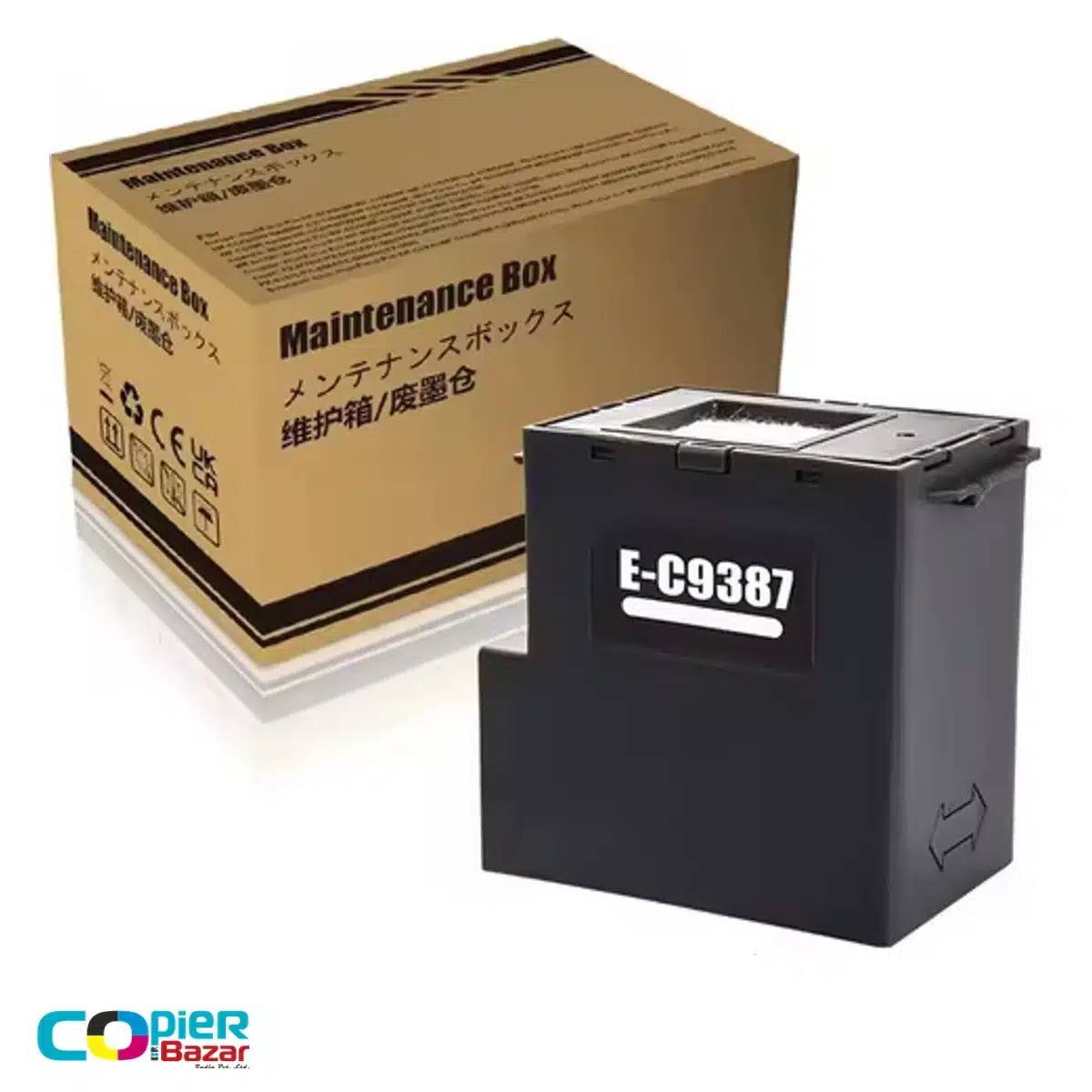
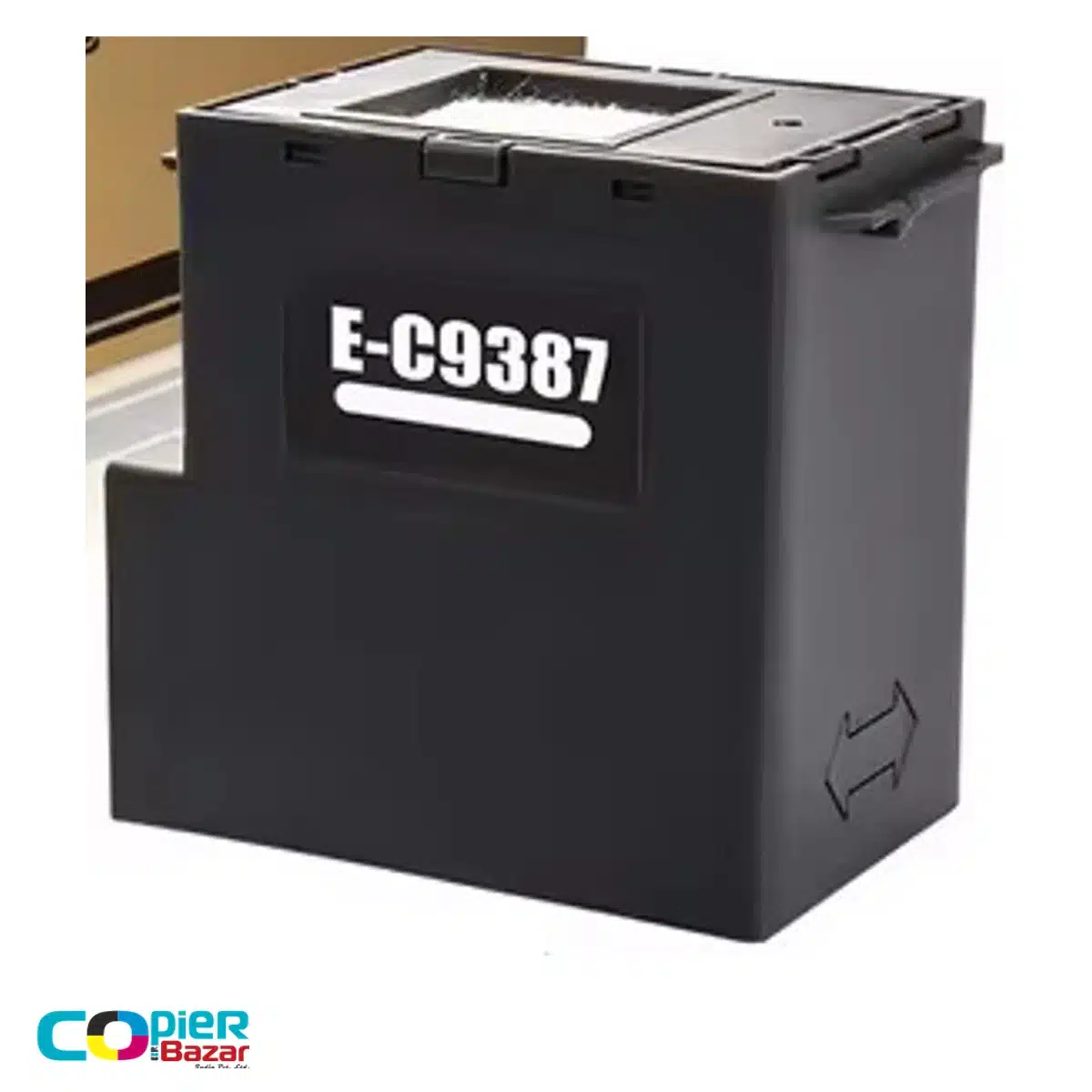
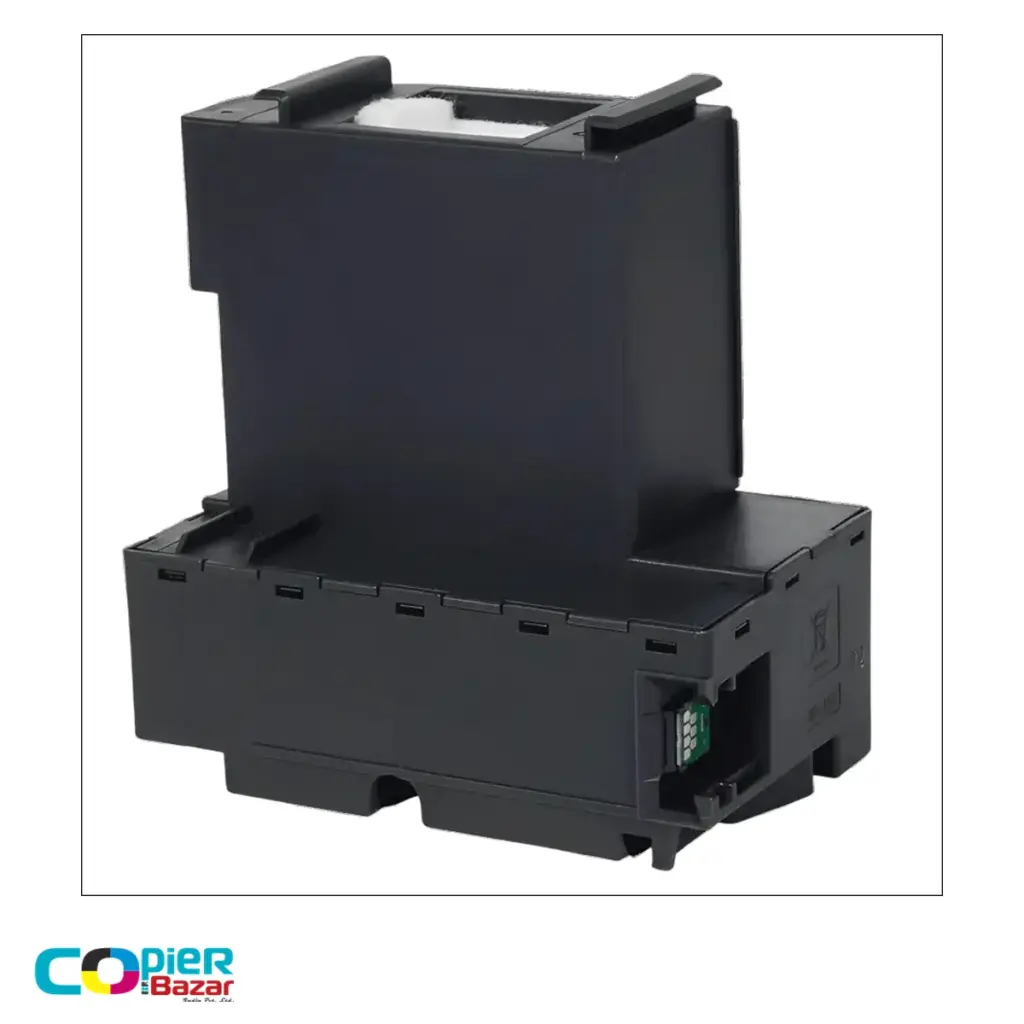
C9387 maintenance box
The Epson C9387 maintenance box collects waste ink during printer cleaning and maintenance. This CopierBazar item is a third-party compatible replacement listed for Epson M1050 and M2050 printers. It is not an original Epson product and does not replace the ink used for printing documents.
A shared code for M1050 and M2050
| Part reference | Catalog-listed printers |
|---|---|
| C9387 | Epson M1050, M2050 |
Epson’s separate M1050 and M2050 guides both specify C9387. Check the model label on your machine and the code on the fitted maintenance box before you order. The listed fit is not a claim that this compatible unit has been tested in every printer or firmware version.
Some seller pages combine C9387 with extra references or much longer model lists. Those listings are not used here to add printer compatibility. If your model is not M1050 or M2050, verify its own Epson documentation rather than relying on the appearance of the box.
Choose by the warning, then compare the offer
A maintenance-box warning concerns waste ink collection. A low-ink warning concerns the ink supply, while other faults may need a different diagnosis. Keep the wording of the alert available when asking for help, especially if the printer still reports an error after a replacement.
When comparing prices, check whether the offer is for one box or a bulk pack and whether GST and shipping are included. Original Epson offers and third-party compatible offers should be identified separately. Another seller’s chip, warranty or reset claim does not describe the stock supplied under this listing.
Buyer questions
Do Epson M1050 and M2050 use C9387?
Yes. Each model’s Epson guide lists C9387 as its maintenance-box code. This listing retains those two models only.
Is the maintenance box an ink refill?
No. It collects waste ink from maintenance. Replacing it does not refill the ink tank or resolve a low-ink message.
Is this genuine Epson or compatible?
This is a third-party compatible replacement. Epson’s original part reference is used to identify the intended application, not to claim Epson manufacture or approval.
When should I replace C9387?
Use the printer’s maintenance-box alert and your model’s replacement instructions. Do not replace it solely because print quality has changed without checking the cause.
Does it include a chip or need resetting?
The supplied unit’s chip specification and reset requirements have not been verified. Confirm those details with CopierBazar before ordering if they are essential to your repair.
Check before ordering
Follow the fitting and used-box handling instructions in your printer guide. Browse our maintenance boxes to compare part references. If the code is unclear, confirm it before selecting a replacement.



Reviews
There are no reviews yet.