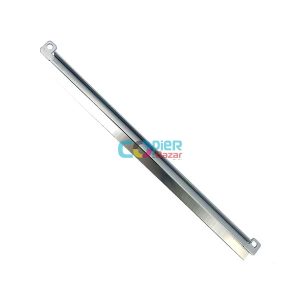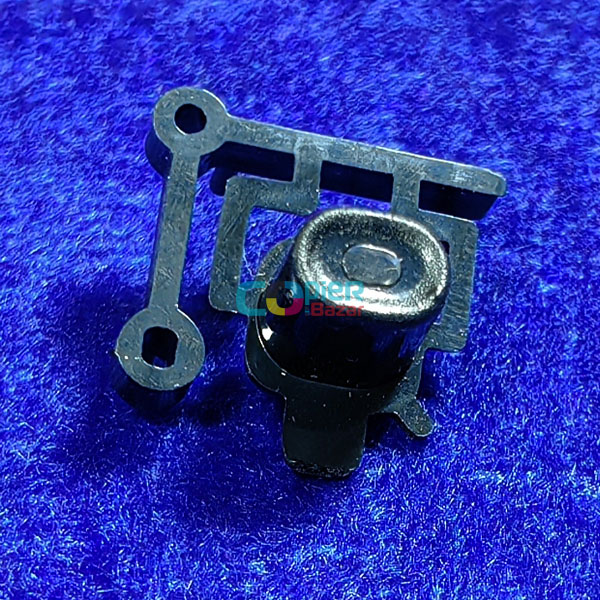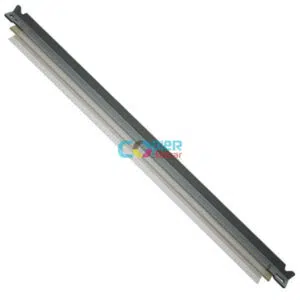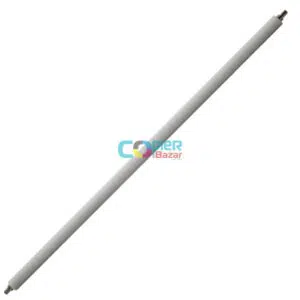
Function Menu Button for Kyocera Ecosys 2040dn m2540dn m2640idw ( Best Quality )
Use In–
Kyocera 2040dn
Kyocera m2540dn
Kyocera m2640idw
₹300 ₹500 Price Including Tax
Function Menu Button for Kyocera Ecosys 2040dn m2540dn m2640idw ( Best Quality )
Use In–
Kyocera 2040dn
Kyocera m2540dn
Kyocera m2640idw
If you’re looking for a way to extend the life of your Kyocera printer and avoid the need for costly repairs or replacements, Function Menu Button is an excellent choice.
In addition to improving your printer’s performance, using Function Menu Button can also save you money in the long run. By extending the life of your printer, you can avoid the need to purchase a new machine, which can be a significant expense. Additionally, by reducing the need for repairs and maintenance, you can save money on those costs as well.
Function Menu Button for Kyocera Ecosys 2040dn m2540dn m2640idw is designed to work with a variety of Kyocera printers, including the FS-2100DN, FS-4100DN, FS-4200DN, and FS-4300DN models.
Additionally, by following the maintenance and care tips outlined in this article, you can help your Kyocera printer perform at its best for years to come. So why wait? Invest in Function Menu Button today and start enjoying the benefits of a longer-lasting Kyocera printer.
Based on 0 reviews
Only logged in customers who have purchased this product may leave a review.
Doctor Blade For Brother HL-2140 HL-2150 HL-2170W DCP-7030 Printer
Doctor Blade For Brother HL-5440 HL-5450 HL-5470 HL-6180 Printer
Doctor Blade For Brother HL-L2320D HL-L2340DW DCP L2520DW Printer
Roller Bush for Toshiba 2006 2007 2306 2506 2507 ( Best Quality )


There are no reviews yet.