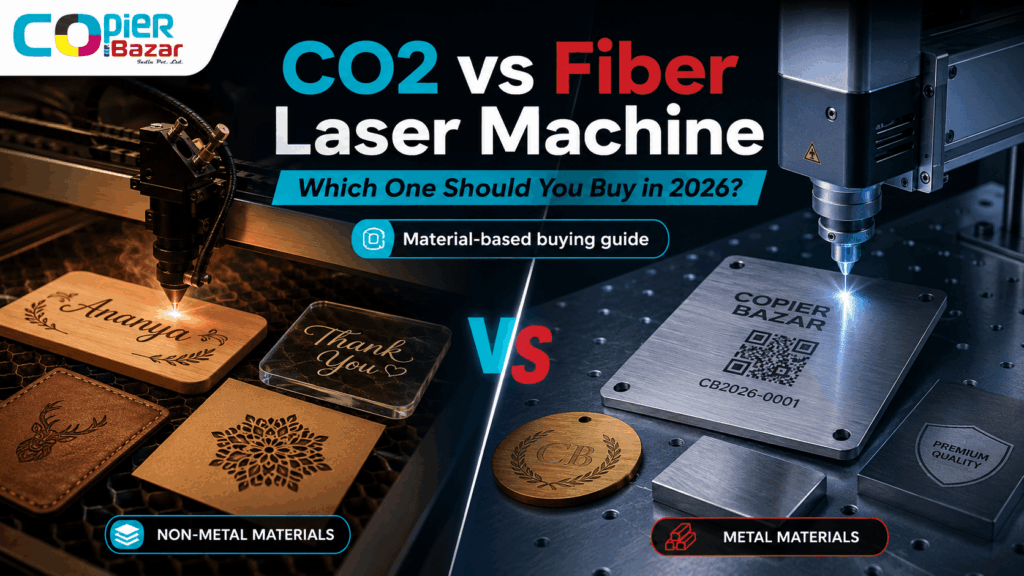
CO2 vs Fiber Laser Machine buying the wrong laser machine is a ₹2–15 lakh mistake. And most of that mistake happens in one moment: when someone reads a generic “CO2 vs fiber laser” chart, picks the one that “sounds more advanced,” and discovers three weeks later that it can’t cut the material their actual business depends on.
Here’s the short version, so you’re never that person: CO2 lasers are built for non-metals — wood, acrylic, leather, paper, glass, fabric. Fiber lasers are built for metals — steel, brass, aluminium, gold. Pick the machine that matches what you sell, not the one with the bigger spec sheet.
That single sentence solves 80% of buying decisions. The rest of this guide handles the other 20% — the edge cases, the running costs in Indian conditions, the price bands in INR, and the service realities that no US-based comparison article will ever tell you.
We sell and service both technologies across Madhya Pradesh, so this isn’t theory pulled from a brochure. It’s what we tell customers who walk into the showroom unsure which way to go.
Table of Contents
CO2 vs Fiber Laser: The 30-Second Answer
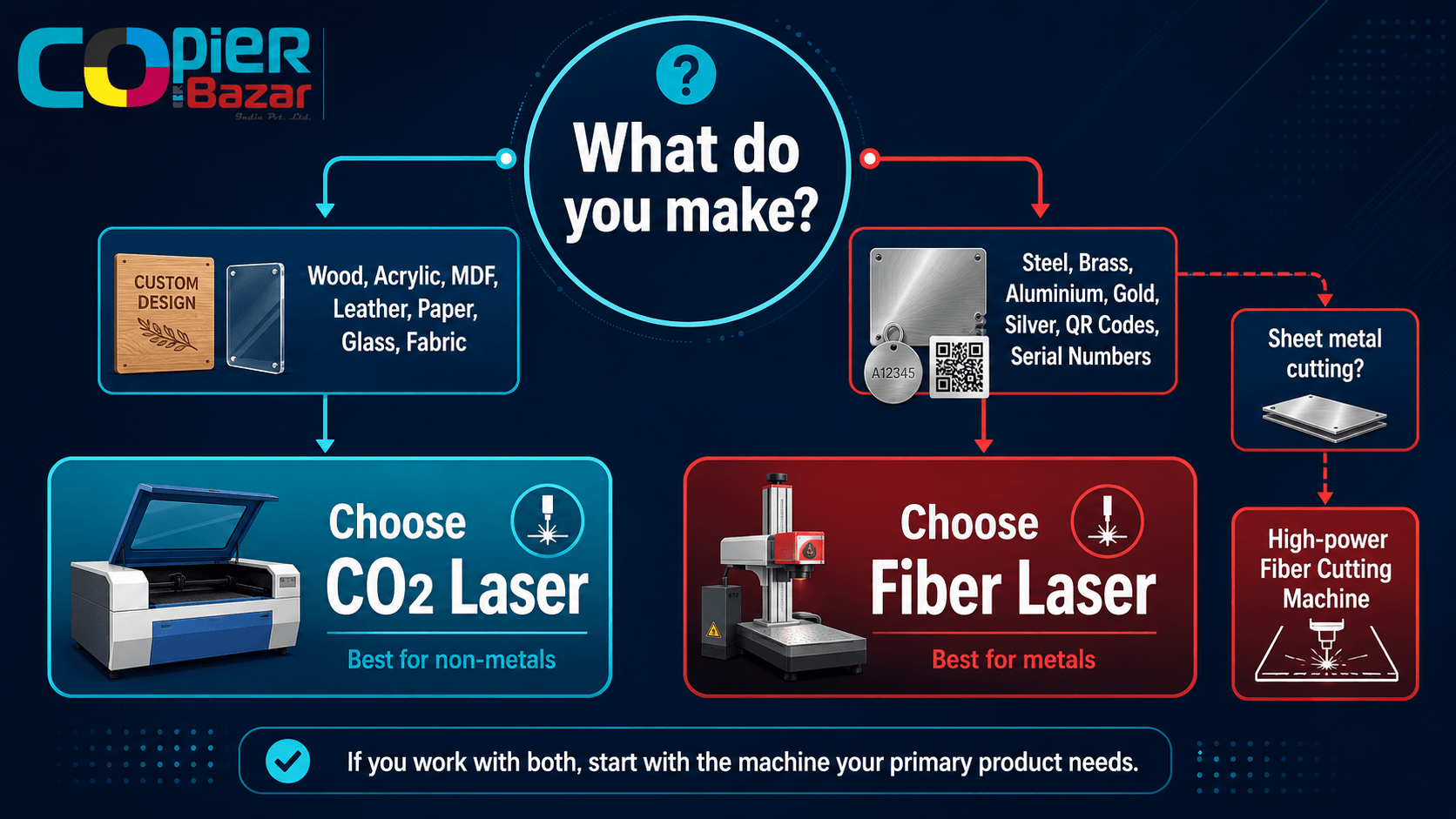
If you only have 30 seconds, here’s the decision tree:
- You work with wood, acrylic, MDF, leather, paper, rubber, glass, or fabric? → CO2 laser machine.
- You mark or engrave metal — steel, brass, aluminium, gold, silver — or hard plastics? → Fiber laser machine.
- You cut sheet metal for fabrication? → A high-power fiber laser cutting machine (a different, heavier category).
- You need both metal and non-metal, and budget is tight? → Start with the one your primary product needs, then add the second machine later.
Here’s the trap to avoid: A fiber laser cannot cut or engrave wood and acrylic. A standard CO2 laser cannot mark bare metal (it can only mark coated or specially treated metal). These aren’t “weaker at” situations — they are hard physical limits set by the laser’s wavelength. We’ll explain why below, but keep this in mind: no single affordable machine does everything well.
What Is a CO2 Laser Machine?
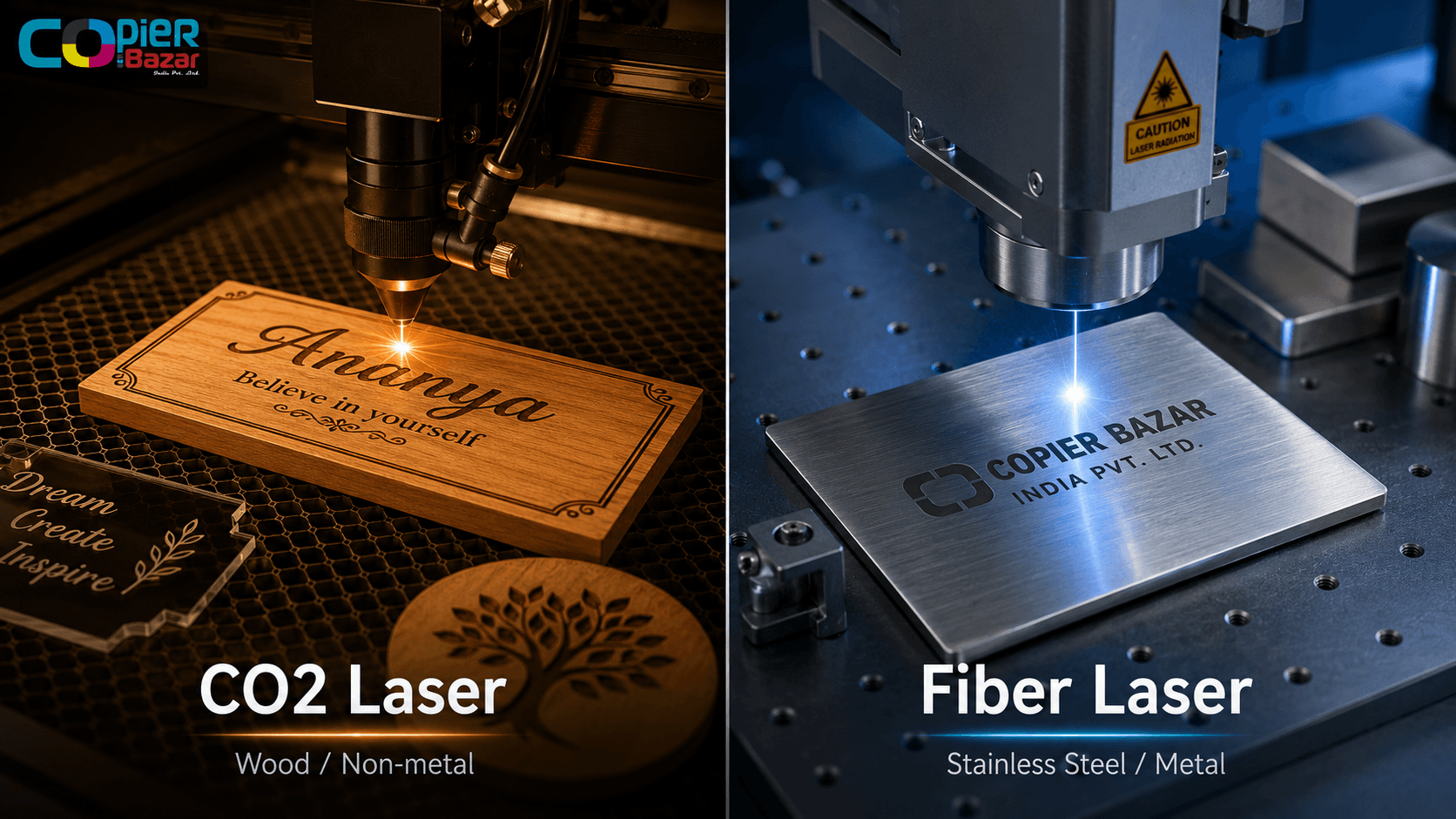
A CO2 laser machine generates its beam by passing electricity through a sealed glass tube filled with carbon dioxide gas. That beam has a wavelength of around 10,600 nanometres (10.6 micrometres) — a long wavelength that organic and non-metal materials absorb beautifully.
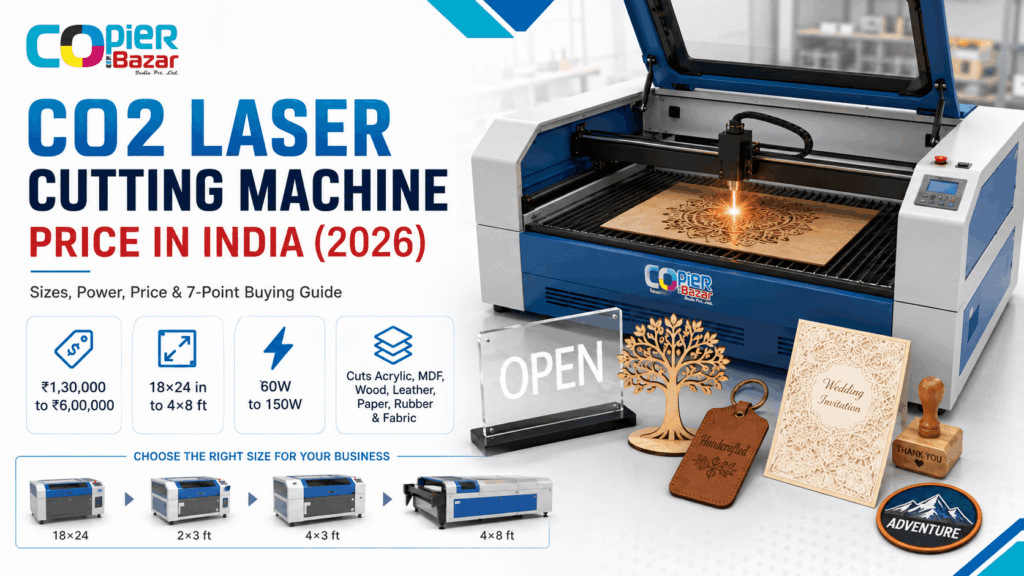
This is why CO2 is the workhorse of the gifting, signage, packaging, and craft industries. The beam is delivered through mirrors and a focusing lens, moving across a flat bed (gantry style), which is why CO2 machines usually offer a large working area — 600×400 mm, 900×600 mm, 1300×900 mm and bigger.
CO2 lasers are excellent at:
- Cutting acrylic with a polished, flame-like edge
- Engraving and cutting wood, MDF, and plywood
- Marking and cutting leather, rubber stamps, paper, and cardboard
- Engraving glass and ceramic
- Cutting fabric and felt for the garment trade
Where CO2 struggles:
- It cannot engrave or mark bare metal directly. (With a marking spray or marking paste, it can leave a mark on coated metal — but that’s a workaround, not a strength.)
- The glass tube is a consumable. It has a finite life and will eventually need replacement.
- It needs water cooling and decent exhaust ventilation.
A CO2 tube is rated roughly 8,000–10,000 working hours before output starts dropping. Budget for a replacement tube the way you’d budget for printer drums — it’s a planned cost, not a surprise.
In our CO2 laser machine range at CopierBazar, the most popular buyers are gift shops, trophy and award makers, signage businesses, and MDF cutting units.
What Is a Fiber Laser Machine?
A fiber laser machine creates its beam inside an optical fibre doped with rare-earth elements, then amplifies it. The result is a beam with a wavelength of around 1,060 nanometres (1.06 micrometres) — roughly ten times shorter than CO2. That short wavelength is absorbed extremely well by metals, including shiny reflective ones that would scatter a CO2 beam.
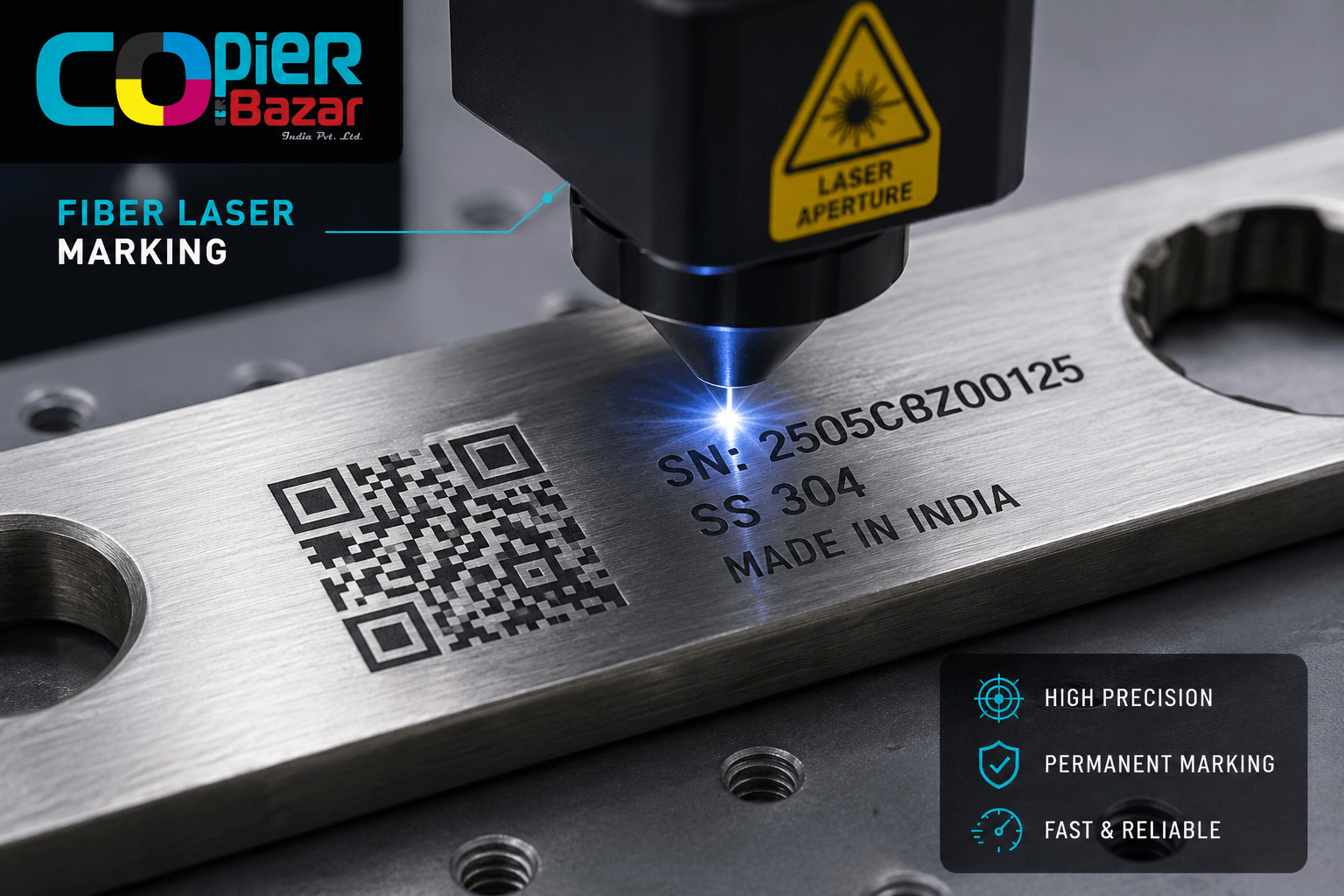
Most fiber marking machines use a galvo head — two fast-moving mirrors that whip the beam across a small area at very high speed. This makes them blisteringly fast for engraving serial numbers, logos, QR codes, and barcodes, but it also means a smaller marking area (typically 100×100 mm to 200×200 mm, expandable with larger lenses).
Fiber lasers are excellent at:
- Deep engraving and permanent marking on stainless steel, mild steel, brass, aluminium, copper, titanium
- Marking gold, silver, and other precious metals (jewellery industry)
- Annealing — leaving a black mark on stainless steel without removing material (great for medical and food-grade tools)
- Marking hard engineering plastics, anodised aluminium, and some painted surfaces
- High-speed serialisation: QR codes, batch numbers, VIN-style marking
Where fiber struggles:
- It cannot cut or engrave wood, acrylic, paper, or most organic materials. The wavelength simply passes through or reflects without doing useful work.
- Standard fiber marking machines have a small bed, so they’re not for large-format work.
The big distinction people miss: there are fiber marking machines (desktop, affordable, for engraving/marking metal) and fiber cutting machines (large, high-power, for cutting sheet metal in fabrication). They share the technology but are completely different purchases. A fiber laser marking machine and a fiber cutting machine sit at very different price points.
Head-to-Head Comparison Table
| Factor | CO2 Laser | Fiber Laser |
|---|---|---|
| Wavelength | ~10,600 nm | ~1,060 nm |
| Best for | Non-metals (wood, acrylic, leather, glass, fabric) | Metals (steel, brass, aluminium, gold) |
| Can mark bare metal? | No (only coated/treated) | Yes |
| Can cut/engrave wood & acrylic? | Yes | No |
| Typical working area | Large (up to 1300×900 mm+) | Small for marking (100–200 mm) |
| Beam source life | Glass tube: ~8,000–10,000 hrs (replaceable) | Fiber source: 60,000–100,000 hrs |
| Speed on metal marking | Slow / not applicable | Very fast |
| Cooling | Water cooling required | Air-cooled (most desktop units) |
| Maintenance | Higher (mirrors, lens, tube, water) | Very low (no consumable tube) |
| Power consumption | Higher | Lower for equivalent work |
| Entry price (India, approx.) | Lower entry point | Higher entry point for marking units |
Notice the source-life row. A fiber source lasting 60,000–100,000 hours is the single biggest long-term cost advantage fiber has — there’s no tube to replace. Over a 5-year heavy-use cycle, that gap matters.
The takeaway from this table isn’t “fiber is better” or “CO2 is better.” It’s that they barely compete with each other. They do different jobs. The comparison only becomes a real decision when your work sits on the boundary — which we handle in the business-type section below.
Material Compatibility: The Real Deciding Factor
Forget speed and price for a moment. Material compatibility decides your purchase, full stop. Here’s the honest breakdown:
Use a CO2 laser for:
- Wood, plywood, MDF — cutting and engraving
- Acrylic (cast acrylic gives the cleanest polished edge)
- Leather and faux leather
- Paper, card, cardboard
- Rubber (laser rubber stamps)
- Glass and ceramic — engraving (frosted effect)
- Fabric, felt, cork
Use a fiber laser for:
- Stainless steel, mild steel, spring steel
- Aluminium and anodised aluminium
- Brass, copper, bronze
- Gold, silver, platinum (jewellery)
- Titanium and other engineering metals
- ABS and some hard plastics (marking)
The grey zone — read carefully:
- Coated/painted metal: CO2 can mark it. Bare metal underneath? No.
- Plastics: Both can mark some plastics, but results vary wildly by plastic type. Always test.
- Stone, slate, tile: CO2 engraves these well. Fiber generally doesn’t.
One safety point that gets skipped: never laser PVC or vinyl on any machine. It releases chlorine gas that corrodes your machine and is genuinely harmful to breathe. This applies to both CO2 and fiber.
Price in India (INR Reality Check)
This is the section every imported comparison article gets uselessly wrong for Indian buyers. They quote USD ranges of $20,000–$600,000 — numbers that describe industrial fabrication lines, not the machine a gift shop or signage business actually buys.
Here are realistic India price bands for the machines most small and medium businesses purchase. Treat these as ballpark figures for planning — your final price depends on power, brand, bed size, and configuration.
CO2 Laser Machines (India, approximate):
- Desktop / hobby CO2 (40–60W, small bed): entry-level band
- Standard business CO2 (60–100W, 900×600 mm): mid band — the most common gift/signage purchase
- Large-format CO2 (130–150W, 1300×900 mm+): higher band for production cutting
Fiber Laser Marking Machines (India, approximate):
- Desktop fiber marker (20–30W): entry band for jewellery and small metal marking
- Standard fiber marker (30–50W): mid band — most common for industrial marking and serialisation
- MOPA / colour-marking fiber (for colour on steel, fine work): higher band
Add 18% GST to all machine prices, and factor whether the seller offers on-site installation and an Annual Maintenance Contract (AMC). A cheaper machine with no local service can cost you far more in downtime than a slightly pricier one with a service engineer in your city.
For exact, current pricing on any configuration, the right move is to ask for a quote against your specific material and volume — that’s a conversation, not a chart.
Running Cost & Maintenance — What Actually Drains Your Wallet
Purchase price is what you notice. Running cost is what you actually pay. Over five years, running cost often exceeds the machine price — so this section deserves real attention.
CO2 running costs:
- Tube replacement: The single biggest recurring cost. Plan for it.
- Mirrors and focus lens: Wear and get dirty; need periodic cleaning and occasional replacement.
- Water cooling: A chiller or water system that consumes power and needs clean water.
- Higher electricity draw per hour of operation.
Fiber running costs:
- Almost none in consumables. No tube. The fiber source runs tens of thousands of hours.
- Lower electricity consumption for equivalent marking work.
- Occasional protective lens cleaning, and that’s largely it.
Here’s why this matters in Indian conditions specifically: power reliability and quality vary, so a stabiliser or good UPS is non-negotiable for either machine. Voltage fluctuation is one of the most common causes of laser power-supply failure we see in the field. Spend on protection up front; it’s cheaper than a fried power supply.
If you run a machine 8 hours a day, fiber’s “no consumable tube + lower power” advantage compounds quickly. If you run a CO2 a few hours a day for craft work, the tube cost is modest and CO2’s lower entry price wins. Match the maths to your actual usage hours.
Which Laser Machine for Which Business?
This is the part the spec sheets never give you. Here’s a direct match by business type:
Gift shop / personalisation / trophy & award maker → CO2. You’re engraving wood plaques, acrylic awards, leather wallets, photo frames, name plates. CO2 every time.
Signage and display business → CO2. Acrylic letter cutting, ACP, MDF signage, channel-letter backs. Large-bed CO2.
Jewellery business → Fiber. Marking gold/silver, hallmarking support, fine logos on rings and pendants. A desktop fiber marker.
Tool room / engineering / auto parts → Fiber. Serial numbers, part numbers, QR codes, batch marking on steel and aluminium. Fiber marker, ideally with a rotary attachment for round parts.
ID card / badge / RFID maker → Mostly CO2 for acrylic and plastic badge work; fiber if you’re marking metal nameplates and tags. Some shops eventually run both.
Garment / textile unit → CO2 for fabric cutting and denim engraving.
Industrial fabrication / sheet metal cutting → High-power fiber cutting machine (a separate, larger investment from the marking units above).
Mixed work — both metal and non-metal: Be honest about your revenue split. Buy for the 70% first. Adding the second machine when the work justifies it is smarter than buying one compromise machine that does neither job properly.
Common Mistakes Indian Buyers Make
After years of fielding these questions, the same avoidable mistakes come up again and again:
- Buying fiber because it “sounds advanced,” then trying to cut acrylic. It won’t work. Match the machine to the material.
- Chasing the lowest price with zero local service. A grey-market import with no installation, no spares, and no engineer in your state becomes a paperweight the day it faults. Service network beats sticker price.
- Ignoring power protection. No stabiliser, then surprise when the power supply fails. Always budget for voltage protection.
- Under-sizing the bed (CO2) or over-paying for power you’ll never use (fiber). Buy for your real job size, not the brochure’s hero demo.
- Skipping the demo with their own material. Always send your actual material — your acrylic, your steel, your wood — for a sample run before buying. A demo on the seller’s perfect test piece tells you nothing about your job.
Want to skip all five mistakes? Send us the material you actually work with and we’ll run a real sample on the matching machine before you spend a rupee.
Frequently Asked Questions
What is the main difference between a CO2 and fiber laser machine?
The core difference is wavelength, which decides material compatibility. A CO2 laser (~10,600 nm) is made for non-metals like wood, acrylic, leather, and glass. A fiber laser (~1,060 nm) is made for metals like steel, brass, aluminium, and gold. CO2 cuts and engraves organic materials; fiber marks and engraves metal.
Can a fiber laser cut wood or acrylic?
No. A fiber laser’s short wavelength is not absorbed usefully by wood or acrylic, so it cannot cut or engrave them. For those materials you need a CO2 laser.
Can a CO2 laser engrave metal?
Not bare metal directly. A CO2 laser can mark metal only if it’s coated with a marking spray or marking paste, which is a workaround. For permanent, direct marking on bare metal, you need a fiber laser.
Which is cheaper to run, CO2 or fiber?
Fiber is cheaper to run long-term. It has no glass tube to replace, uses less electricity, and the fiber source lasts 60,000–100,000 hours. CO2 has a lower entry price but recurring costs from tube replacement, mirrors, lens, and water cooling.
Which laser machine is best for a small gift and engraving business?
A CO2 laser machine. Gift, trophy, signage, and personalisation work centres on wood, acrylic, and leather — all CO2 materials. A 60–100W CO2 with a 900×600 mm bed suits most small businesses.
Which laser machine is best for jewellery?
A fiber laser marking machine. Fiber marks gold, silver, and other precious metals cleanly and is the standard choice for the jewellery trade.
Do I need both a CO2 and a fiber laser?
Only if you genuinely work with both metals and non-metals at meaningful volume. If so, buy for your larger revenue stream first and add the second machine later — that beats buying one machine that does both jobs poorly.
How long does a CO2 laser tube last?
A typical CO2 glass tube runs roughly 8,000–10,000 working hours before output declines and replacement is needed. Treat it as a planned consumable cost.
The Bottom Line
The “CO2 vs fiber laser machine” debate has a clean answer once you stop comparing spec sheets and start with your material: CO2 for non-metals, fiber for metals. Everything else — price, speed, running cost — only fine-tunes a decision the material has already made for you.
The bigger risk isn’t picking the wrong technology. It’s buying from someone who hands you a machine and disappears. Installation, training, genuine spares, power protection, and a service engineer who can actually reach you — that’s what turns a laser machine into a working business asset instead of an expensive gamble.
If you’re weighing CO2 vs fiber for your business in Indore, Bhopal, Jabalpur, or anywhere in MP, send us the material you work with and your monthly volume. We’ll recommend the exact machine — and run a real sample on it — before you commit a single rupee.