
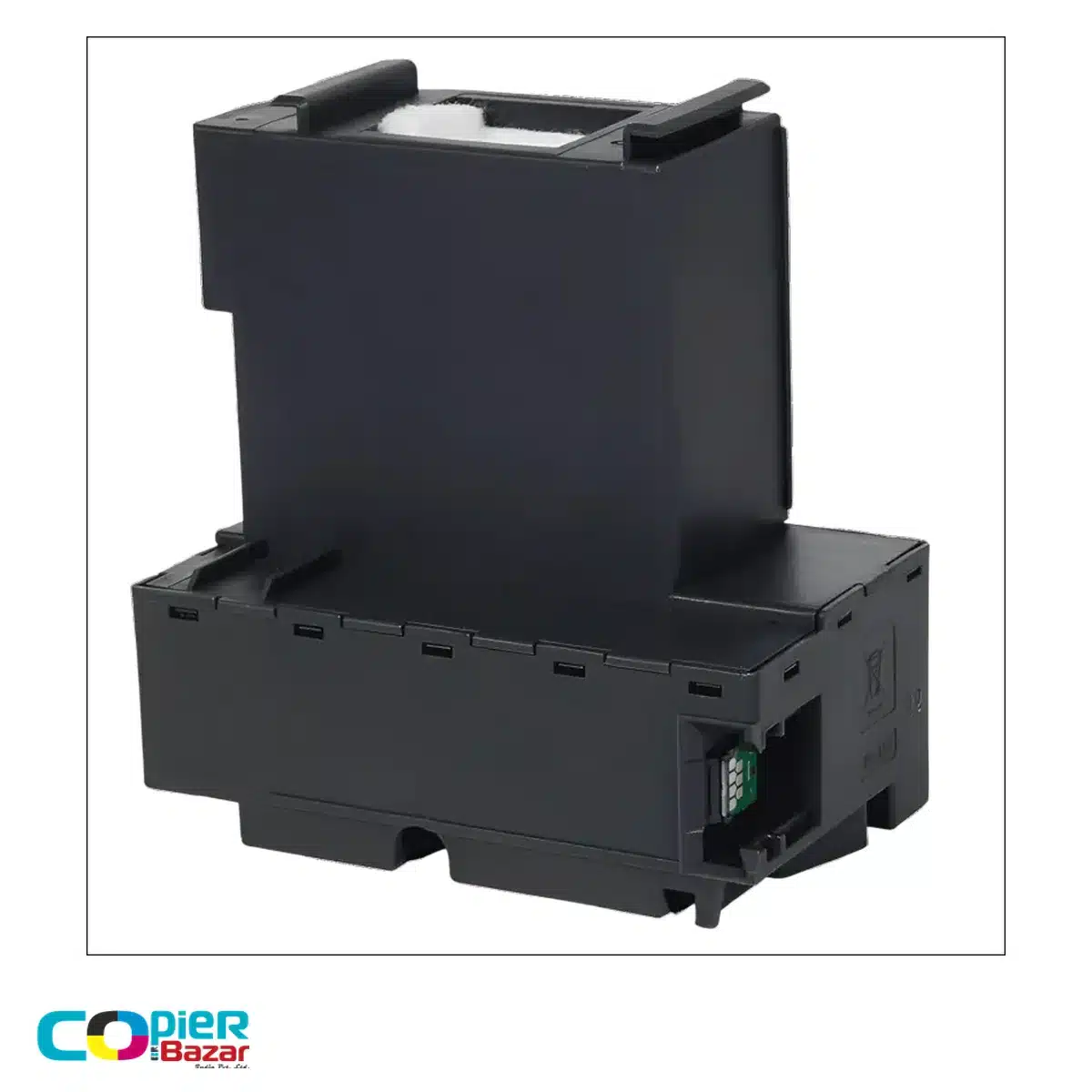
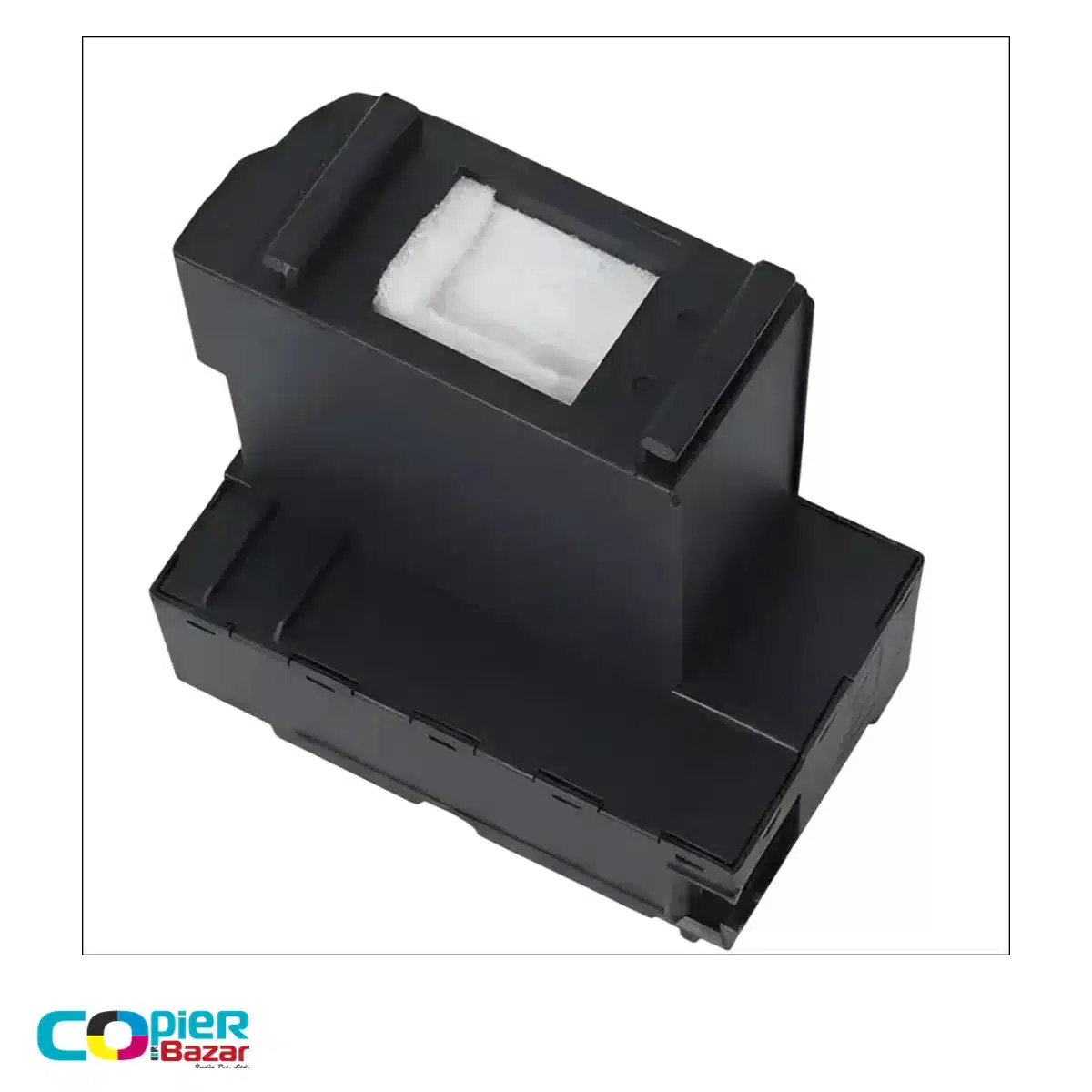
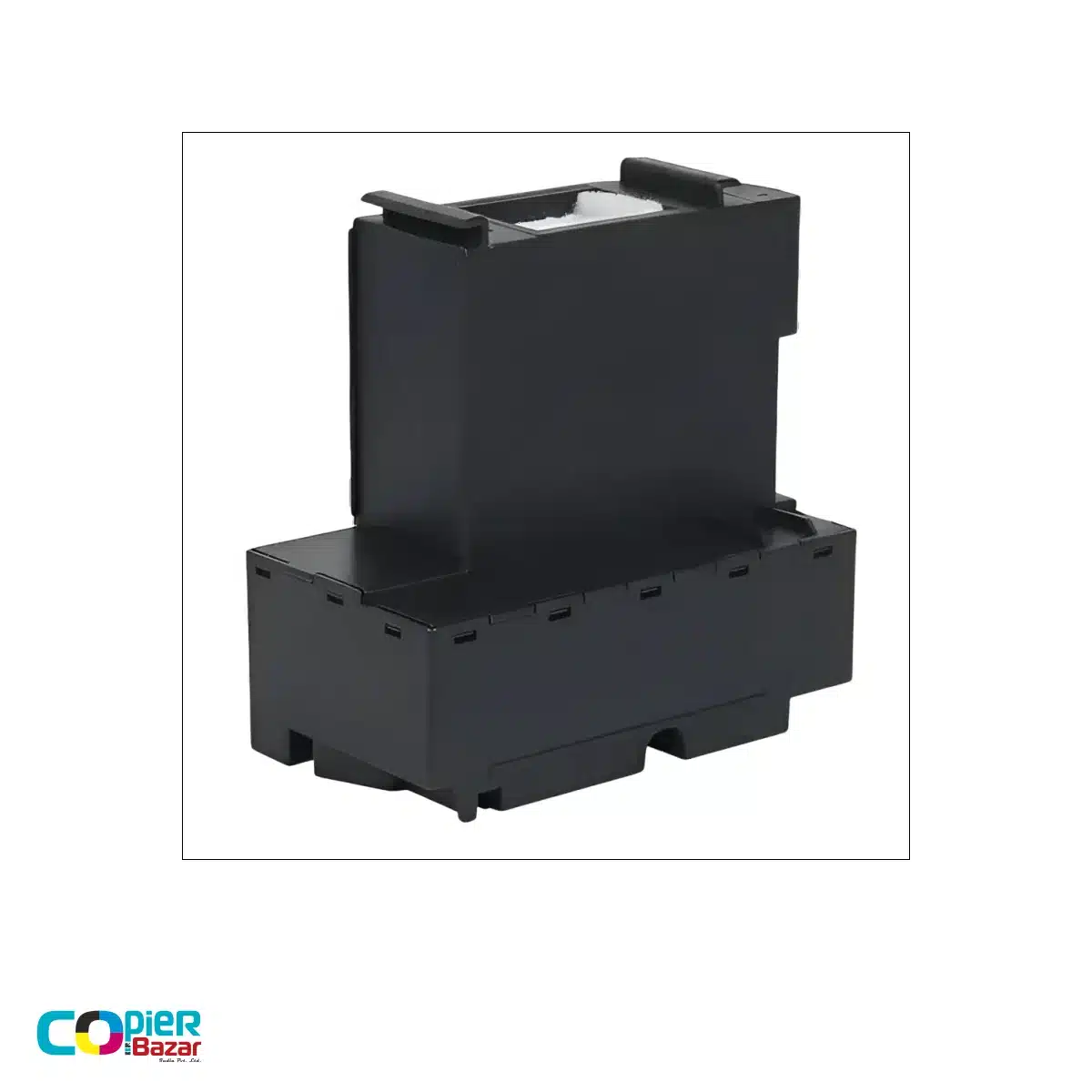
Epson T04D1 maintenance box for waste ink collection
This compatible Epson T04D1 maintenance box collects waste ink released during printhead cleaning and maintenance. It is a replacement option for the printer models listed below when they require a T04D1 maintenance box. Match your printer model and existing part reference before ordering.
This is a third-party compatible replacement, not an original Epson product. It does not supply printing ink or replace an ink bottle.
Printer model compatibility
| Printer range | Listed model references |
|---|---|
| Epson L-series | L6160, L6170, L6190, L6260, L6270, L6290, L6460, L6490, L11050, L14150 |
| Epson M-series | M2140, M3170 |
| Replacement reference | T04D1 |
Check the complete model number on your printer, not just the EcoTank name. If your model is not listed or the existing box carries a different reference, confirm compatibility with CopierBazar before purchase. A similar-looking maintenance box is not enough to establish a match.
Before you order
- Read the full printer warning to confirm that it requests a maintenance box replacement.
- Compare your model and part reference with this listing.
- If you need a specific chip configuration, fitting advice or warranty terms, confirm those details for the supplied unit before ordering.
For other part codes, browse our maintenance boxes or printer parts.
Frequently asked questions
What does a T04D1 maintenance box do?
It collects waste ink flushed from the printer during cleaning and maintenance. When its absorbing capacity is used up, the printer can request a replacement and stop printing to prevent leakage.
Is T04D1 an Epson error code?
T04D1 is a maintenance box reference, not a diagnosis of every printer error. Read the full message on the printer or computer before buying a replacement. Low ink, printhead faults and separate ink-pad service warnings require different checks.
Is this an original Epson maintenance box?
No. CopierBazar lists this item as a third-party compatible replacement. Epson model names identify the intended printer compatibility; they do not mean Epson manufactures or endorses this item.
When should I replace the maintenance box?
Follow the replacement prompt from your printer. There is no fixed replacement interval for every user: printing activity and cleaning cycles affect how quickly the box fills.
How do I replace an Epson T04D1 maintenance box?
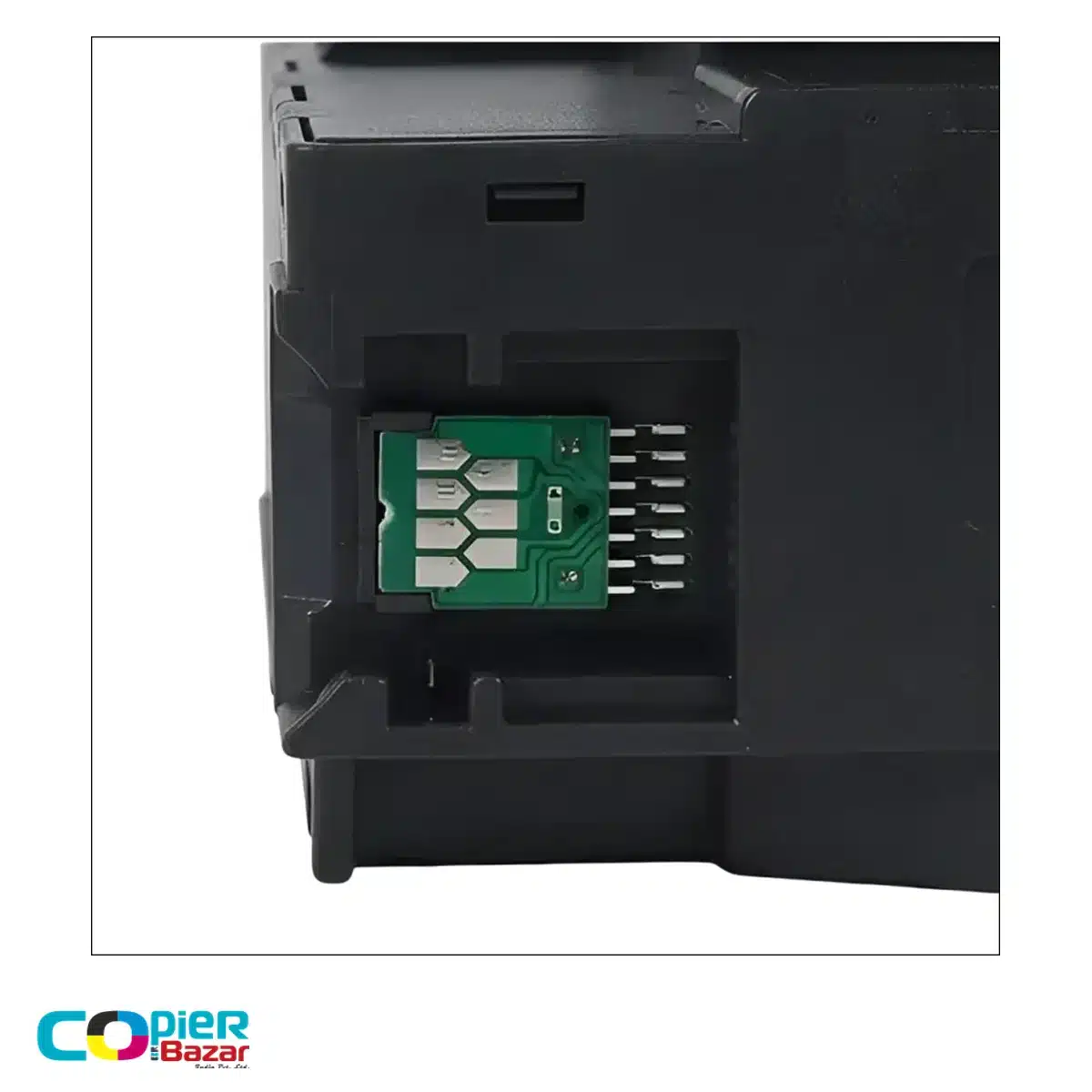
Use the maintenance-box replacement instructions for your exact printer. They explain how to access the compartment, remove the used box, fit the replacement and secure the cover. Handle the used box carefully because it contains waste ink, and avoid touching the chip contacts.
Can a software reset replace a full maintenance box?
A reset does not remove the waste ink already collected in the box. If the printer asks for a replacement, follow its model-specific instructions rather than treating reset software as a substitute. Confirm any chip or recognition requirements for the supplied compatible unit; this listing does not promise reset-free operation.
Manufacturer reference
Epson’s L6260/L6270 series maintenance-box guide identifies T04D1. The L11050 replacement guide explains handling and replacement for that model. These references describe Epson’s genuine parts and procedures, not testing or endorsement of this compatible unit.
Reviews
There are no reviews yet.