
Kyocera ECOSYS M2040dn J0511, J0512, J0513: multi feed jam from a cassette
Applies to: Kyocera ECOSYS M2040dn, Kyocera ECOSYS M2135dn, Kyocera ECOSYS M2635dn, Kyocera ECOSYS M2635dw, Kyocera ECOSYS M2735dw, Kyocera ECOSYS M2540dn, Kyocera ECOSYS M2540dw, Kyocera ECOSYS M2640idw
Codes covered on this page: J0511, J0512, J0513
Quick answer
Kyocera ECOSYS M2040dn codes J0511, J0512 and J0513 are multi feed jams: more than one sheet came out of a cassette together. Damp or poorly fanned paper and a worn retard roller are the likely causes. First take out the paper, fan it well, remove damp or bent sheets and reload it upside down.
What does J0511 mean?
J0511 is cassette 1: the registration sensor stayed on too long after the registration clutch engaged. J0512 and J0513 are cassettes 2 and 3 in the optional paper feeder: the PF feed sensor stayed on too long. All three share the same paper and separation checks (retard roller, retard holder, retard spring); the later electrical checks differ by cassette. The same code and steps apply to the ECOSYS M2135dn, M2635dn, M2635dw, M2735dw, M2540dn, M2540dw and M2640idw, which share one Kyocera service manual.
What causes J0511?
Paper sticking together
Crushed cut ends, bent edges, foreign matter or damp paper make sheets cling.
Retard roller not separating
The retard roller is dirty or worn and lets a second sheet through.
Retard holder or retard spring off
If the holder or spring has come off, the retard roller does not press properly.
Clutch that does not release (J0511)
Loose registration clutch, registration sensor or feed clutch wiring (YC10, YC16), a registration clutch that stays engaged, a faulty registration sensor or feed clutch, or the main/engine PWB.
Paper feeder parts (J0512, J0513)
Loose PF conveying clutch, PF feed sensor, PF feed clutch or drawer connector wiring, a PF conveying clutch that stays engaged, a faulty PF feed sensor or PF feed clutch, the PF main PWB or the main/engine PWB.
What can you check yourself?
- 1
Switch off before reaching inside
Turn the power switch off before you put your hands inside a cover or the cassette slot.
- 2
Remove the extra sheets
Pull out the cassette shown on the panel and remove all sheets that fed together.
- 3
Fan and turn the stack
Take the paper out, fan it well and put it back the other way round, top edge to bottom. Remove any sheet with a bent or crushed edge.
- 4
Use paper within specification
Damp, wavy, curled or out-of-specification paper is a common cause. Use fresh, dry paper of a supported type and keep spare paper in a dry place.
- 5
Try again
Close all covers, switch on and print a few pages. If the same code keeps coming back, stop and call a technician.
Steps for a technician
- 1
Check the paper
Fan sheets with crushed cut ends and reload them the other way round, remove bent sheets and sheets with foreign matter, and replace damp paper.
- 2
Check the retard roller
Clean the retard roller surface and replace it if worn.
- 3
Check the retard holder and retard spring
Refit the retard holder and the retard spring if either has come off.
- 4
J0511: check wiring
Reseat registration clutch (YC10), registration sensor on the high voltage PWB (YC16) and feed clutch (YC10) connectors on the main/engine PWB, and replace a wire with no continuity.
- 5
J0511: check clutches, sensor and board
If there is no paper loop mark, refit or replace the registration clutch. Clean the registration sensor and replace the high voltage PWB if it still fails. Refit or replace the feed clutch, then replace the main/engine PWB.
- 6
J0512, J0513: check wiring
Reseat PF conveying clutch (YC2), PF feed sensor (YC7), PF feed clutch (YC2) on the PF main PWB, the drawer connectors (both feeders for J0513) and drawer connector to main/engine PWB (YC17).
- 7
J0512, J0513: check PF parts and boards
If there is no paper loop mark, refit or replace the PF conveying clutch. Refit or replace the PF feed sensor and PF feed clutch. Replace the PF main PWB, then the main/engine PWB.
Parts for this error
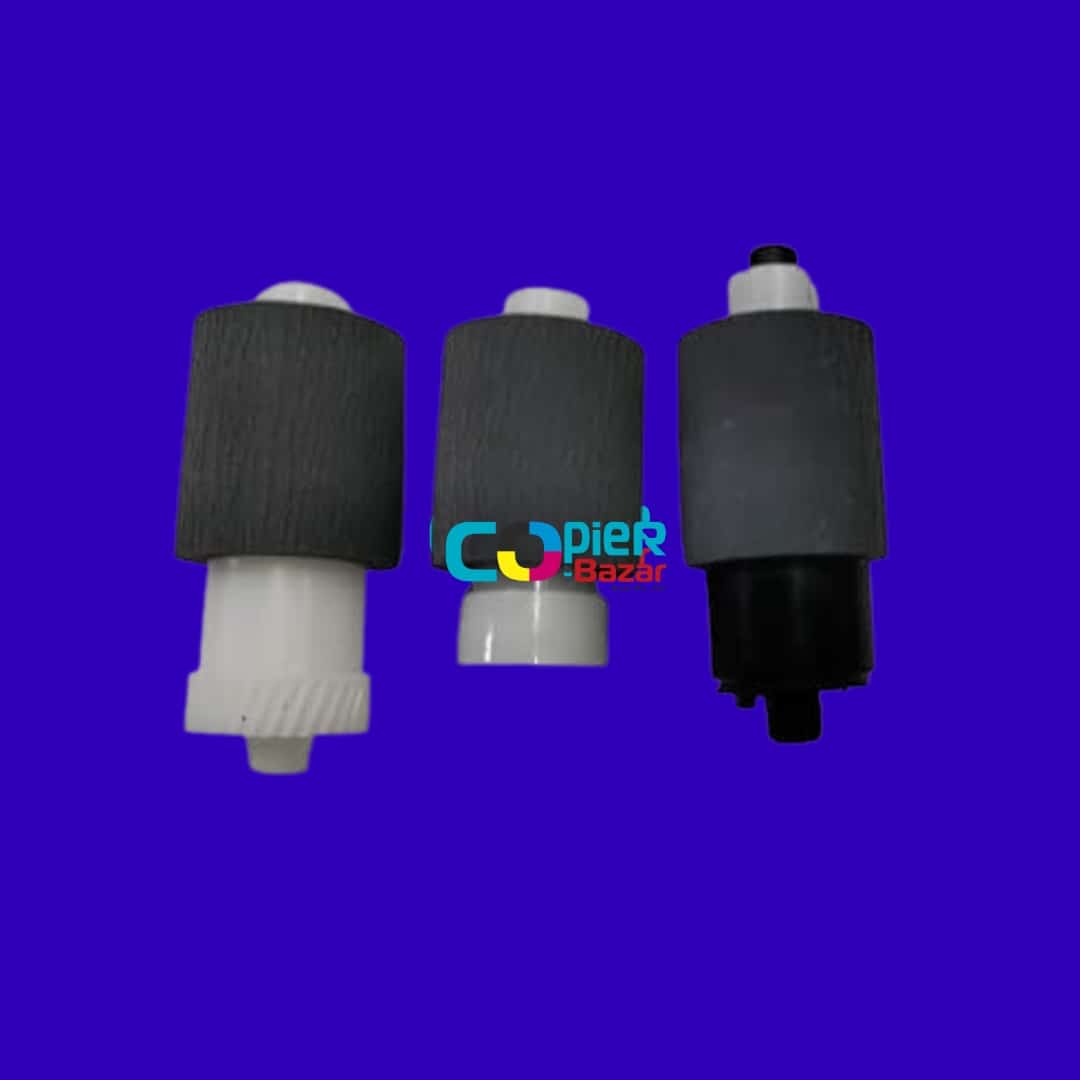
Pickup, feed and retard rollers (set of 3)
Only if step 2 finds the retard roller worn after cleaning. The store listing is a set of three rollers with base for the main cassette and does not name each roller, so your technician should compare it with the worn parts first. For J0512 and J0513, also confirm it fits the optional paper feeder.
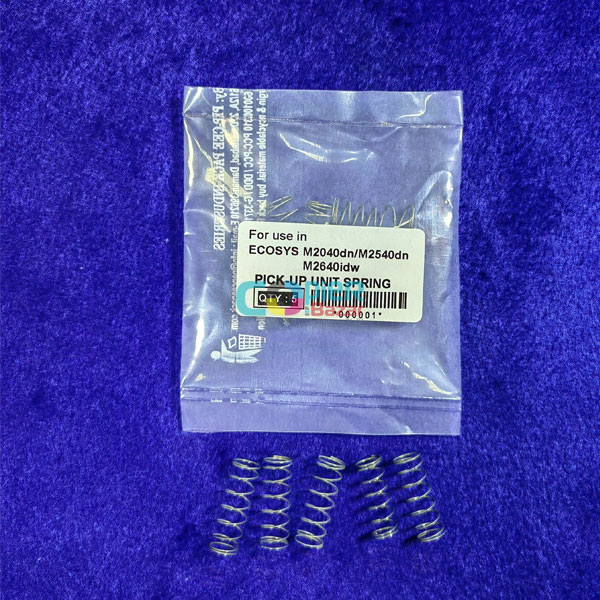
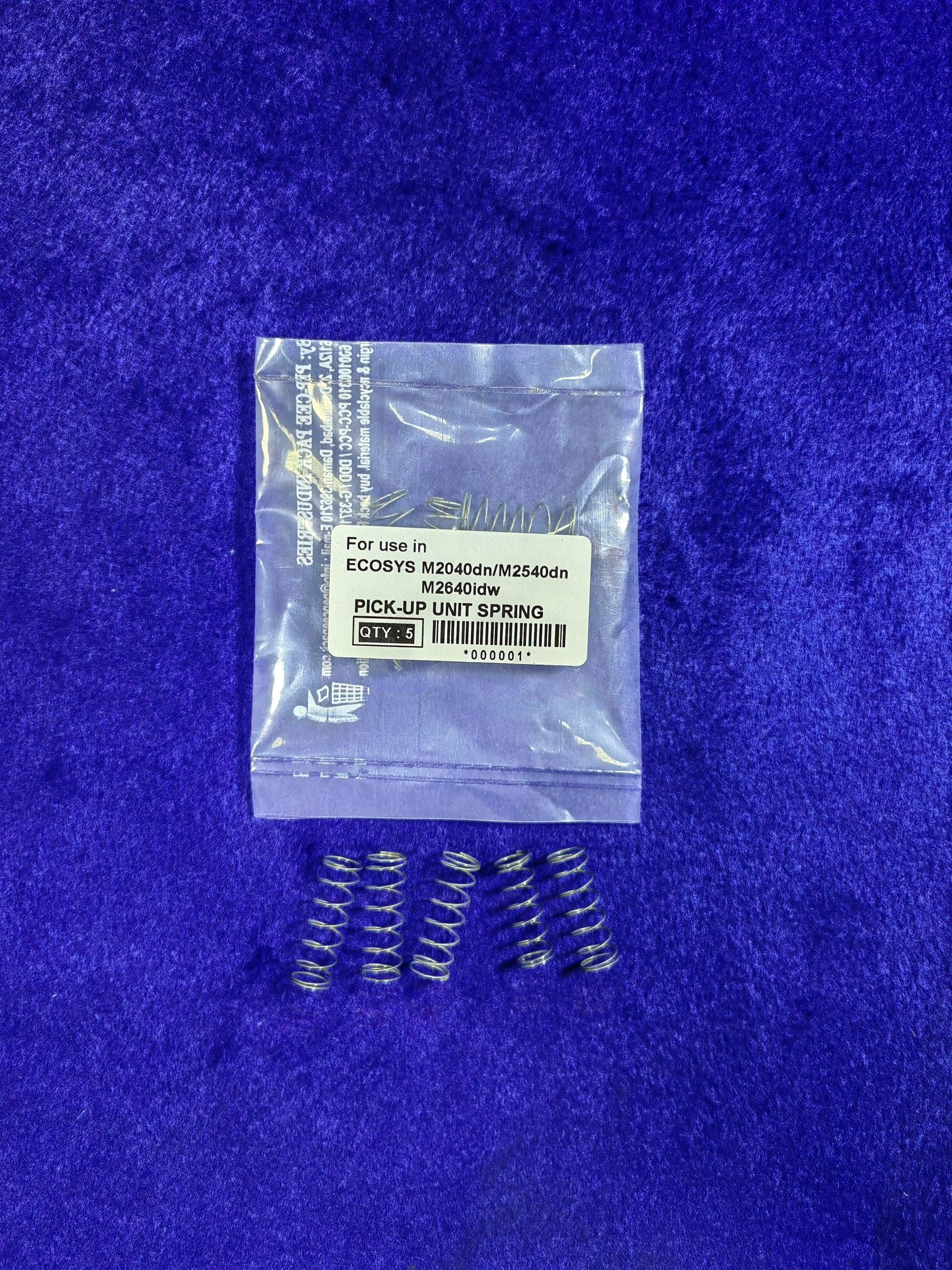
Pick up unit spring
The manual only refits the retard spring in step 3. Consider this listing only if the old spring is lost or damaged and your technician confirms it is the right spring. The store calls this a pick up unit spring and does not say which spring it is, so only use it if your technician confirms it matches the one being replaced.
When should you call a technician?
Call a technician if double feeds continue with fresh, dry, well-fanned paper.
Questions people ask
- What is a multi feed jam on a Kyocera M2040dn?
- A multi feed jam (J0511, J0512, J0513) means the Kyocera ECOSYS M2040dn pulled more than one sheet from a cassette, so a sensor stayed covered for too long.
- Which cassette does J0511, J0512 or J0513 mean?
- J0511 is cassette 1, J0512 is cassette 2 and J0513 is cassette 3. Cassettes 2 and 3 are in the optional paper feeder.
- What part stops double feeding in a Kyocera printer?
- The retard roller separates the sheets. The Kyocera manual says to clean it and replace it if worn, and to refit its holder and spring if they have come off.
- Can damp paper cause multi feed jams?
- Yes. The Kyocera manual lists damp paper, crushed edges and foreign matter on the paper as the first checks for J0511, J0512 and J0513.