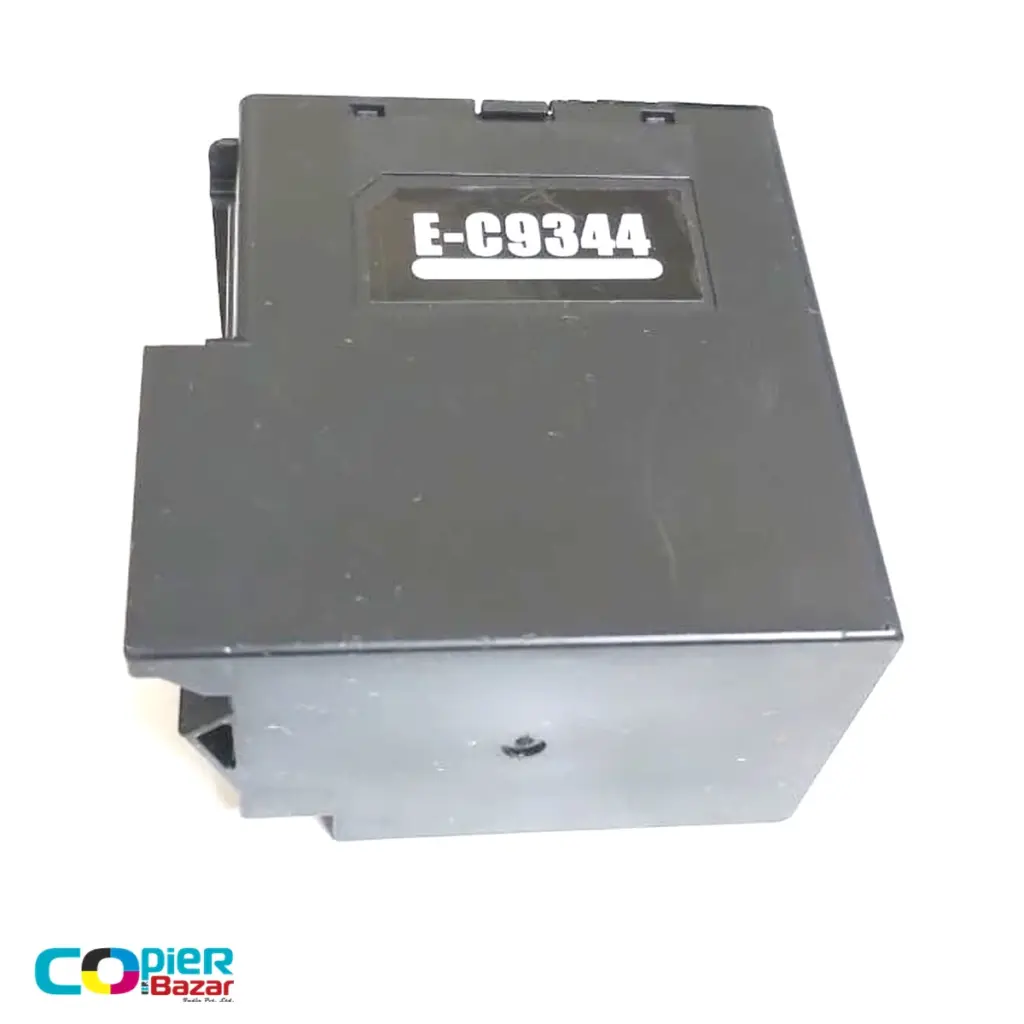
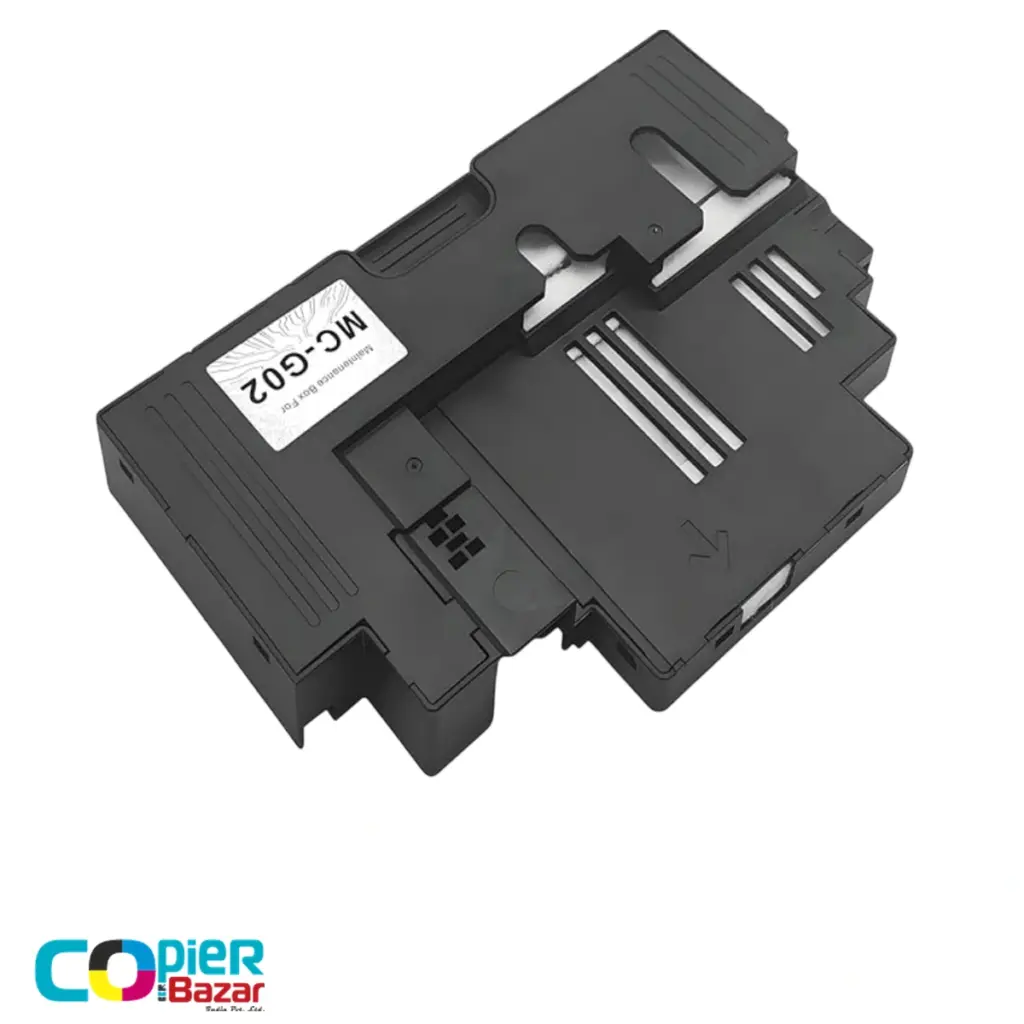
A Canon maintenance cartridge is the replaceable tank that collects waste ink from printhead cleaning in PIXMA G series and MAXIFY GX series printers. When it fills, the printer shows a maintenance cartridge error and stops printing until the cartridge is swapped. The swap takes two minutes, and a compatible cartridge costs ₹300 to ₹500 in India against roughly ₹1,000 for the original. This guide maps every MC code to its printers code by code, walks through the replacement, and answers the reset question honestly.
Quick finder: MC code by printer model
| Code | Fits these Canon printers | Compatible price |
|---|---|---|
| MC-G02 | PIXMA G2020, G3020, G570, G670 | ₹300 |
| MC-G04 | PIXMA G3770 | ₹350 |
| MC-G07 | PIXMA G3780, G4780 | ₹500 |
| MC-G05 | MAXIFY GX1070, GX2070 | ₹500 |
| MC-G03 | MAXIFY GX3070, GX3072, GX4070 | ₹500 |
| MC-G01 | MAXIFY GX5070, GX6070, GX7070 | ₹500 |
Code by code: which cartridge, and who needs it
MC-G02: the one most homes need (G2020, G3020, G570, G670)
The G2020 and G3020 are among India’s best-selling ink tank printers, so the MC-G02 is the cartridge we sell most. Two or three years of home and shop printing fills the original, usually right when the printer is out of warranty. The compatible MC-G02 at ₹300 clears the error for less than a third of the original’s street price. If you are servicing one of these machines anyway, the same printers take GI-71 refill ink, which we also stock, so one parcel can cover both jobs.
MC-G04: for the G3770 generation
The G3770 replaced the G3020 on many shop counters, and its maintenance cartridge changed with it. The MC-G04 cartridge for the G3770 is ₹350 with us. Running a sibling model like the G2770 or G3730? The same code family usually covers them, but the slot and chip differ between series, so message us the exact model first and we will confirm before you order.
MC-G07: the newest G series (G3780, G4780)
Canon’s current G3780 and G4780 use the MC-G07. These printers are new enough that most owners have not hit the warning yet; when yours does, the compatible MC-G07 cartridge is ready at ₹500, roughly half the original’s price.
MC-G01, MC-G03, MC-G05: the MAXIFY GX office line
The MAXIFY GX machines are built for offices and print shops, which means higher volumes and more frequent cleaning, so their cartridges fill faster than home models. The split is by series: MC-G05 for the GX1070 and GX2070, MC-G03 for the GX3070 family and GX4070, and MC-G01 for the GX5070, GX6070 and GX7070. An office that depends on a GX printer should keep the matching spare on the shelf; the ₹500 part is cheaper than a stalled billing counter.
What the maintenance cartridge does
Ink tank printers clean their printheads by pushing ink through the nozzles. That waste ink, plus the overspray from borderless printing, drains into the maintenance cartridge, where absorbent material holds it. The printer tracks the fill level electronically and warns you as it climbs; at full, it blocks printing so waste ink cannot overflow into the machine. Canon printers show the remaining capacity in the setup menu, so you can check it any time rather than waiting for the warning.
Deep cleaning is the big consumer. One deep clean sends several times more ink to the cartridge than a normal clean, and many times more than a day of ordinary printing. A shop that deep-cleans every morning out of habit is paying for it in cartridges.
Maintenance cartridge warning on screen right now?
Match your model in the table above, or open the full range for both Canon and Epson. Ships across India with a GST invoice.
How to replace a Canon maintenance cartridge
- Turn the printer off and unplug it.
- Open the maintenance cover. On most PIXMA G models it is a small panel on the lower back or base of the printer, held by a single screw.
- Slide the full cartridge out and keep it level; it holds liquid ink.
- Slide the new cartridge in until it clicks, close the cover, and power on.
- The printer detects the new cartridge and clears the error. On some models you confirm the replacement on the screen when prompted.
Seal the old cartridge in the bag the new one came in before disposal. Canon prints the same advice in its manuals: remove the cartridge only when replacing it, because a part-full tank tips and leaks easily.
Can you reset it instead of replacing it?
No, and this is where people waste money. The fill counter lives on the cartridge’s chip, so the printer clears the error only when it sees a fresh chip. Emptying or washing the old cartridge changes nothing, because the printer reads the chip, not the sponge, and the saturated absorbent inside cannot be restored anyway. A new cartridge is the reset. At ₹300 to ₹500 compatible, it is also cheaper than any workaround sold online.
Original vs compatible: the honest comparison
An original Canon MC-G02 sells for around ₹1,000 on Indian marketplaces, and we have seen buyers there complain about exactly that gap. Our compatible MC-G02 is ₹300. The maintenance cartridge is a waste tank; it never touches the paper or the printhead, so print quality is identical either way. What matters is a correctly made chip and proper absorbent material, which is exactly what we test for. Every order ships across India with a GST invoice.
Slow the fill-up
- Use normal cleaning before deep cleaning; deep cleaning sends several times more ink to the cartridge.
- Print a page or two every few days so the printer does not run heavy recovery cleanings after long idle spells.
- Check remaining capacity in the printer’s setup menu before big print jobs, and keep a spare cartridge once the level passes 80 percent.
- Fix paper-dust problems (torn edges, cheap paper) early; dust on the printhead triggers more failed nozzle checks and more cleaning.
Common questions
What is the price of a Canon maintenance cartridge in India?
Compatible MC-G01 to MC-G07 cartridges cost ₹300 to ₹500 with us; the finder table above shows every code with its price. Originals typically run ₹900 to ₹1,200 on Indian marketplaces.
What error shows when the cartridge is full?
The printer shows a maintenance cartridge warning on screen, first that it is nearly full and then that it must be replaced, and many models also show a numeric support code with it. Replacing the cartridge with the correct MC code clears the error.
How long does a Canon maintenance cartridge last?
Cleaning cycles decide it, not page count. Home printers often go a year or more; a shop that deep-cleans weekly fills one much faster. The setup menu shows the live fill percentage.
Does a full cartridge damage the printer?
No, because the printer stops before damage can happen. The risk is only downtime, which is why keeping a spare makes sense for anyone who prints for a living.
Is it the same thing as Epson’s maintenance box?
Same idea, different brand and shape. Canon calls it a maintenance cartridge, Epson calls it a maintenance box, and the codes are not interchangeable. The Epson version has its own guide: Epson maintenance box explained, code by code.
All six Canon codes, with live prices and the Epson range alongside, are on our maintenance boxes page. Not sure which code fits? Send us your printer model and we will confirm before you pay.