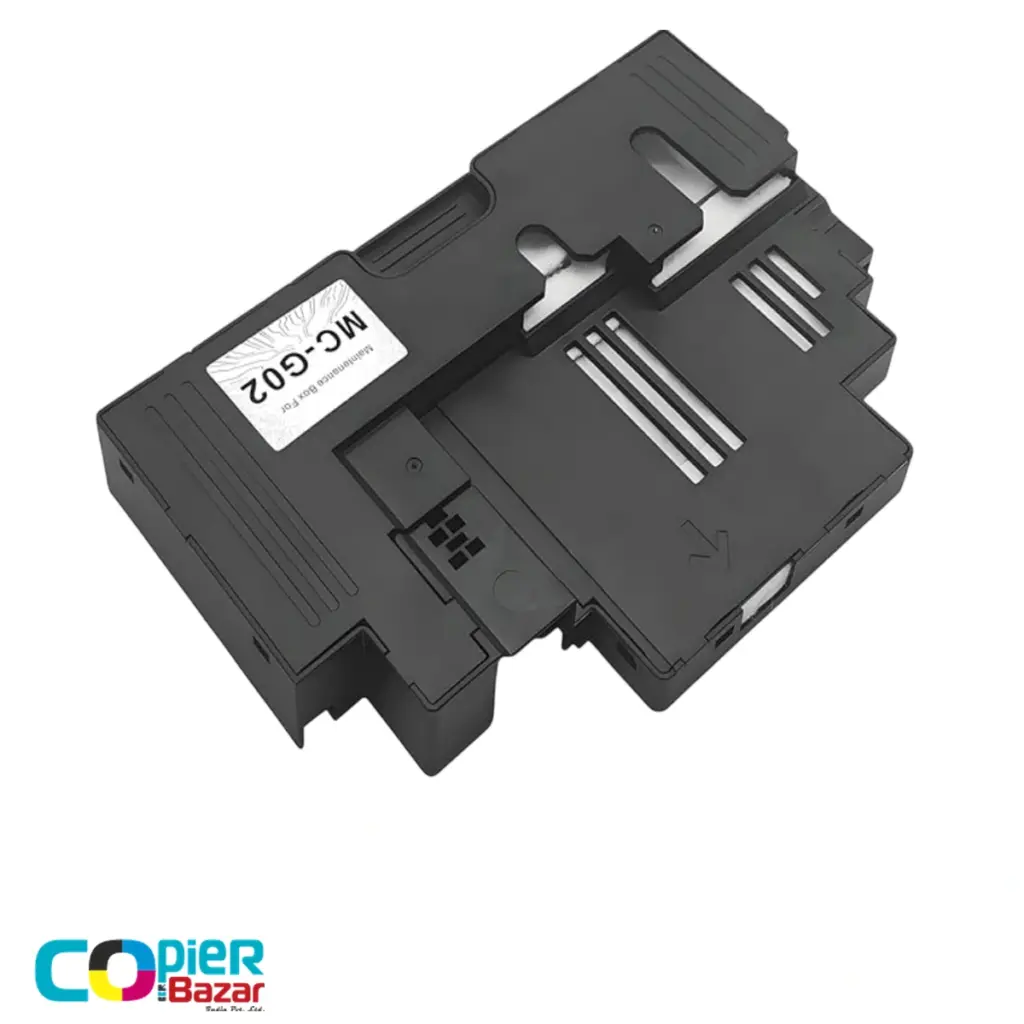
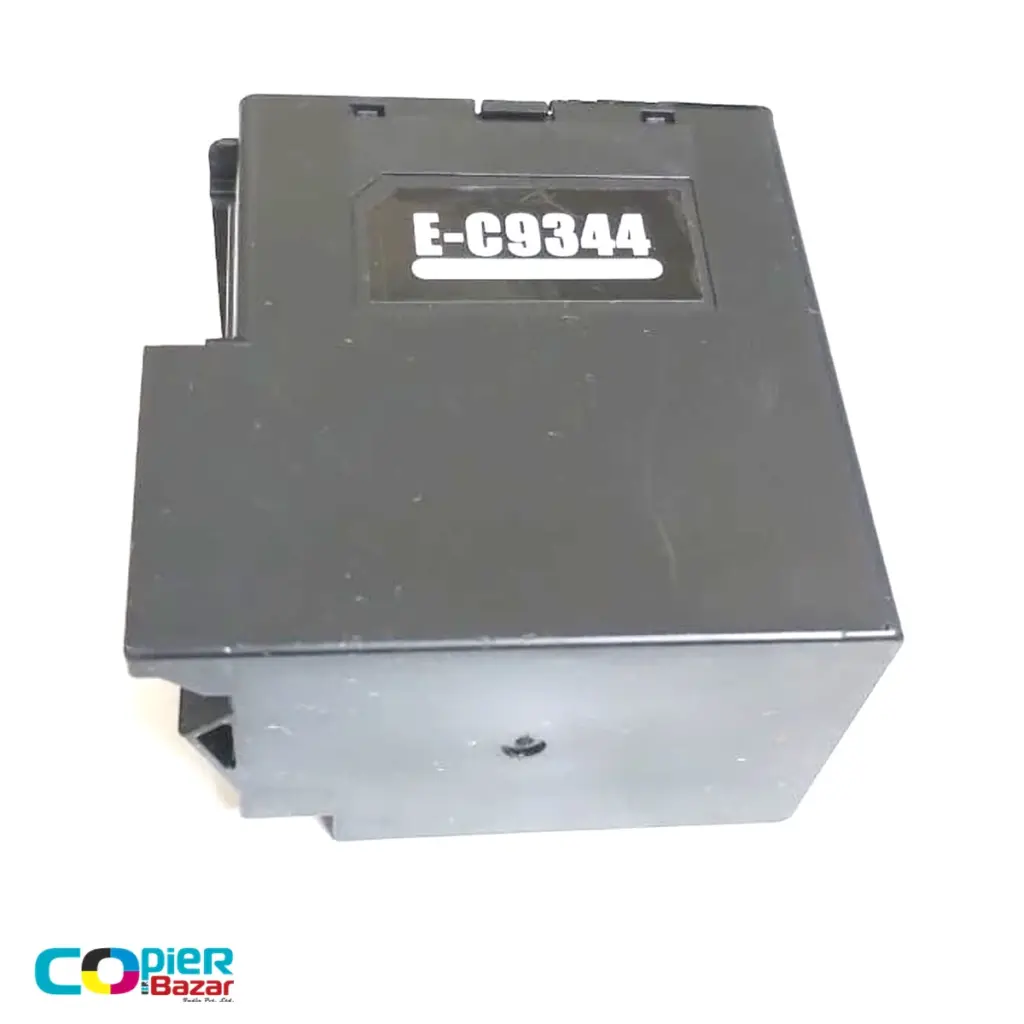
An Epson maintenance box is the small replaceable tank that collects waste ink every time your printer cleans its printhead. When it fills up, the printer shows “The Maintenance Box is at the end of its service life” and refuses to print until you swap in a new one. The fix takes about two minutes and a compatible maintenance box costs ₹350 to ₹500 in India. This guide covers every common box code model by model, the exact replacement steps, and the reset question nobody answers honestly, so read it before you spend ₹2,000+ on a resetter you probably do not need.
Quick finder: box code by printer model
Epson names maintenance boxes by cartridge code, not printer model. Find your printer below; the code in the same row is the box to order. Each code links to the box in our store with the live price.
| Box code | Fits these Epson printers | Compatible price |
|---|---|---|
| C9344 | EcoTank L3560, L3550, L5590 | ₹350 |
| C9345 | EcoTank L8050, L18050 | ₹350 |
| T04D1 | EcoTank L6460, L6270, L14150 | ₹500 |
| C9387 | EcoTank M1050, M2050 | ₹350 |
| C9398 | Several models; check your printer region before ordering | ₹350 |
Model by model: which box, and why it fills
Epson L8050 and L18050 maintenance box (C9345)
These are Epson’s six-colour photo printers, and they are the most searched maintenance box models in India for a reason. Photo printers run borderless prints, and every borderless page sprays a little ink past the paper’s edge straight into the maintenance box. Add the heavier cleaning cycles that six channels need and the box fills faster than on any office model. If your L8050 has started warning you mid-wedding-season, the C9345 box for the L8050 and L18050 is the part to keep in the drawer. Photo studios that print daily should treat it like paper: always have one spare.
Epson L3560, L3550 and L5590 maintenance box (C9344)
The home and small-office EcoTanks. These fill their boxes slowly under normal use, which is exactly why the warning surprises people two or three years in; most owners have never heard of the part until the printer stops. The compatible C9344 maintenance box swaps in from the back panel in a couple of minutes. If your prints had been showing lines and you ran repeated head cleanings before the warning appeared, that is not a coincidence; those cleanings are what filled the box.
Epson L6460, L6270 and L14150 maintenance box (T04D1)
These duplex office machines print more pages per month than any home model, and duplex printing adds extra micro-cleanings between sides. Offices usually discover the maintenance box the week quarterly reports are due. The T04D1 box for the L6460, L6270 and L14150 is slightly larger than the home-model boxes, which is why it costs a little more. Order it at the first “nearing end of service life” warning; an office printer that stops mid-month costs more than ₹500 in lost time.
Epson M1050 and M2050 maintenance box (C9387)
The mono EcoTanks used for bills, challans and documents. One ink channel means less cleaning waste, so these boxes last long, but shops running them all day still get there. The C9387 box for the M1050 and M2050 clears the error the moment it clicks in.
C9398, and the models not listed here
The C9398 maintenance box covers several newer models, but Epson ships region-coded versions of it, so check your printer’s region before ordering; the product page explains how. Using an M2140, M2170, M3170, L15150 or anything else missing from the table? Epson uses different boxes across these series and a wrong code simply will not seat in the slot. Message us the exact model and we will confirm the right code before you pay.
What the maintenance box actually does
Every inkjet printer flushes ink through its printhead to keep the nozzles clear. That flushed ink has to go somewhere. In older Epson printers it soaked into fixed sponge pads inside the body; in current EcoTank models it drains into this removable box with absorbent pads inside. The printer counts how much ink it has sent to the box, and when the counter says full, printing stops. That hard stop is deliberate: it prevents waste ink from overflowing onto the electronics.
Heavy head cleaning fills the box fastest. One power cleaning dumps far more ink into it than days of normal printing, which is why a printer that gets frequent cleaning cycles asks for a new box much sooner than its neighbour that just prints.
The messages that mean the box is full
- “The Maintenance Box is at the end of its service life” — the box is full; replace it.
- “The Maintenance Box is nearing the end of its service life” — early warning; order the new box now so you are not stuck later.
- “Service Required” with blinking lights — on models without a removable box, the internal waste pads are full and the counter needs a service reset.
Seeing one of these messages right now?
Match your printer model in the table above, or open the full range. Every box ships across India with a GST invoice.
How to replace an Epson maintenance box
- Turn the printer off and open the maintenance box cover. On most EcoTank models it is a small panel at the back or side, held by one screw or a clip.
- Pull the old box straight out. Keep it upright; it is full of ink.
- Push the new box in until it seats, close the cover, and switch the printer on.
- The printer reads the chip on the new box and clears the error on its own. No software, no codes.
Put the old box in the plastic bag the new one came in before binning it, so the waste ink does not leak. The whole job is easier than changing a toner cartridge, and nothing inside the printer needs to be touched.
Do you need a resetter? Usually not
There is a whole market of chip resetters for ₹2,000 to ₹2,600 that promise unlimited resets of the box counter. Here is the honest picture. The counter lives in the chip on the box itself, so installing a new box resets everything automatically; at ₹350 to ₹500 per box, a resetter only pays for itself if you refill and reuse the same box many times, and squeezing a saturated box back into service risks ink overflow inside the printer. Washing the pads does not help either: the printer reads the chip, not the sponge, so a washed box still shows full.
The one case where reset software genuinely matters is older models with fixed internal pads and no removable box. Those need the waste ink counter cleared after the pads are physically replaced, and that is a technician’s job, not a ₹2,600 gadget purchase.
Original or compatible?
A maintenance box is a waste tank. It never touches your prints, so this is the one consumable where going compatible carries the least risk. A compatible box with a working chip installs and registers exactly like the original and costs a fraction of the price; originals typically sell for ₹400 to ₹900 in India depending on model and seller. We stock and ship compatible boxes ourselves across India, with a GST invoice on every order, and each one is matched to the codes in the table above. While you have the printer open for service, it is also the natural time to top up ink; we stock YK 003 refill ink for the smaller EcoTank models alongside the boxes.
Make the next box last longer
- Run head cleaning only when prints actually show missing lines, and try one cleaning cycle before reaching for power cleaning. Power cleaning is the single biggest box-filler.
- Print something small every few days. Long idle gaps dry the nozzles, and the recovery cleaning afterwards is what really fills the box.
- Avoid switching the printer off at the wall every time; many models run an extra cleaning on every cold start.
- Keep the printer out of direct sun and dust. Dust on the printhead means more failed nozzle checks, which means more cleaning cycles.
Common questions
What is the price of an Epson maintenance box in India?
Compatible boxes cost ₹350 to ₹500 with us depending on the code; the finder table above has every price. Original Epson boxes typically sell for ₹400 to ₹900 in India.
Can I keep printing after the warning?
After the “nearing the end” warning, yes, for a while. After the final “end of service life” message, no; the printer locks printing until the box is replaced. Scanning usually still works on multifunction models.
How long does a maintenance box last?
It depends on cleaning cycles more than page count. A lightly used home L3560 can go years; an L8050 printing borderless photos daily can fill a box in months. The pattern across models is simple: more cleaning and more borderless work means a shorter box life.
Is the maintenance box the same as the waste ink pad?
Same job, different generation. Pads are fixed inside older printers and need a service visit; the box is the modern user-replaceable version. If your printer has a box slot, you never need to touch internal pads.
Will a compatible box affect print quality or warranty?
Print quality, no; the box never touches the paper path. It only stores waste ink. As with any compatible consumable anywhere, use a well-made part from a seller who stands behind it; ours ship tested, with a GST invoice.
Where is the maintenance box located?
On most EcoTank models it sits behind a small panel on the back or lower side of the printer, held by one screw. Your printer’s manual shows the exact spot, and the slot only accepts the correct box shape.
Need the Canon side of this story? We have the same guide for Canon maintenance cartridges, MC-G01 to MC-G07, and both brands sit together on the maintenance boxes page with live prices and free delivery across India.